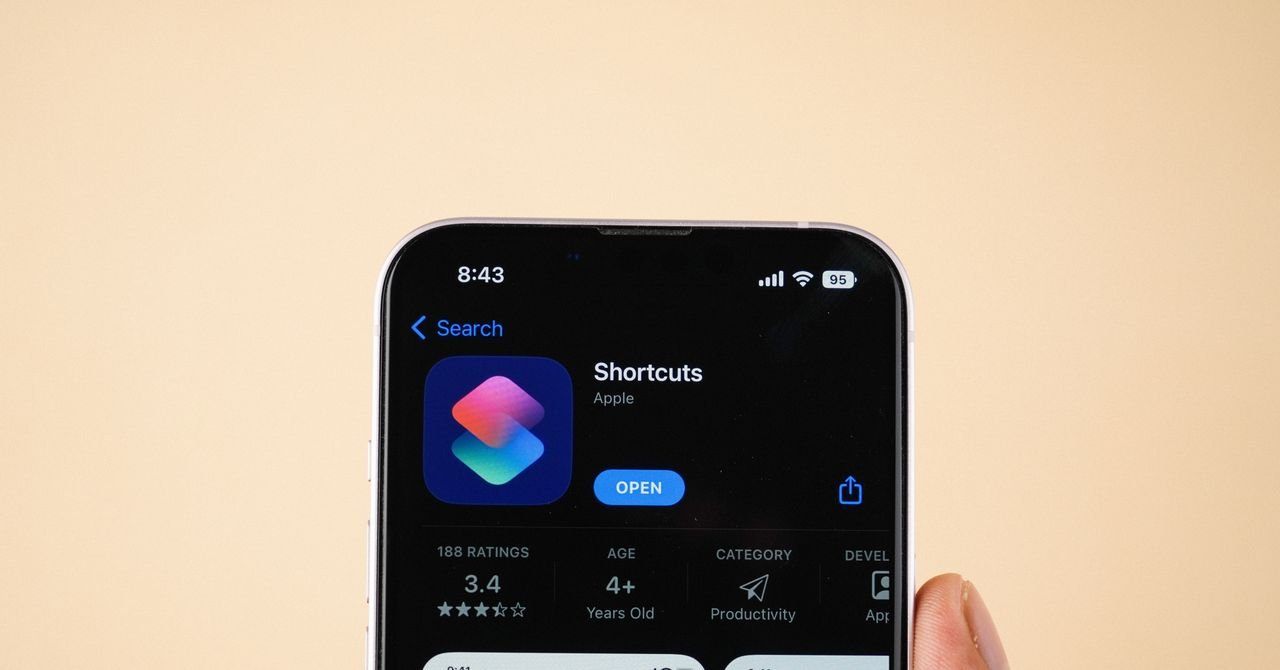

For years, Apple’s Shortcuts app remained an untapped reservoir of potential for many iPhone users, myself included. The promise of automating mundane tasks was appealing, yet the intricate scripting often felt like a daunting barrier. However, my journey with the iOS 27 beta has completely reshaped this perception. What once seemed cumbersome and overlooked has now emerged as a streamlined, indispensable tool, thanks to a significant overhaul.
While the enhanced Siri AI, with its improved capabilities and dedicated app, is poised to be iOS 27’s most noticeable transformation this autumn, it’s the profound integration of Apple Intelligence into the Shortcuts app that truly sings a “Zero to Hero” anthem. This isn’t just an update; it’s a revolution in how we interact with our devices.
Revolutionizing Automation with “Describe a Short”
The cornerstone of this transformation is a groundbreaking feature aptly named “Describe a Short.” Imagine simply articulating your desired automation in plain, conversational language, and watching the app magically generate the workflow. Need to fine-tune it? A follow-up prompt is all it takes. For the seasoned tech enthusiasts, the traditional manual scripting remains an option, ensuring no power user is left behind.
During my beta testing, I encountered a few minor hiccups where automations didn’t always generate flawlessly. Yet, these were mere blips in an otherwise incredibly enjoyable and productive tinkering experience. With a few iterations, I crafted automations that seamlessly integrate into my daily smartphone routine, proving genuinely useful and time-saving.
The following are just a handful of fundamental shortcut concepts, born from my exploration, that are well worth implementing once iOS 27 graces your device. These examples merely scratch the surface of the app’s vast capabilities, but they aim to ignite your own creative automation ideas.
1. Conquer Digital Distraction: The Habit Breaker
This might be the simplest automation I’ve devised, yet it’s already my most cherished. The insidious habit of mindless scrolling often leads me to instinctively reopen social media apps like Instagram moments after closing them. To combat this, I instructed the Shortcuts app to trigger a prompt whenever I launch Instagram.
Now, a polite notification asks: “Do you really want to use this app?” A tap on “Yes” proceeds as usual. But choose “No,” and your iPhone swiftly closes Instagram and locks the screen. While not a complete overhaul of screen time management, this gentle, persistent nudge has proven remarkably effective in disrupting my repetitive digital habits.
2. Stay Informed, Effortlessly: Daily Air Quality Alerts
Living in California, checking the air quality before stepping out has become a daily ritual, often dictating whether a mask is necessary. To bypass the manual check, I automated the process. My iPhone now runs a shortcut every morning at 6:40 am. It fetches the current weather, cross-references the air quality index, and sends me a notification. Should the AQI surpass a predefined threshold, I receive an immediate alert; otherwise, it’s an all-clear.
3. Never Run Dry: Location-Based Battery Reminders
The anxiety of a dying phone far from home is universal. To mitigate this, I’ve leveraged location-based triggers. As soon as I depart my apartment, a shortcut activates, checking my device’s current battery level. If it registers below 50 percent, a friendly notification reminds me to grab my power bank. A quick dash back inside is infinitely preferable to being stranded without communication miles away.
4. Nurture Your Greenery: Smart Plant Care Logging & Reminders
Beyond personal productivity, Shortcuts can even assist with household chores. While numerous apps exist for plant care, I challenged Shortcuts to handle it. First, I created a shortcut that, upon activation, captures the current date and time and appends it to a dedicated plant watering note, ensuring a consistent log. I then added this shortcut directly to my Home Screen, transforming it into a one-tap logging tool after each watering.
To elevate this further, I built a secondary automation. Every morning at 9:00 am, this shortcut reviews the plant watering log. If no modifications have been recorded within the past week, it dispatches a timely reminder to tend to my botanical companions.
5. Instant Text Extraction: Screenshot to Clipboard
For those perpetually online and frequently capturing screenshots, this niche automation is a game-changer. Now, every screenshot I take automatically extracts any embedded text and copies it directly to my clipboard. This eliminates the tedious multi-step process of saving, opening the Photos app, and then manually selecting and copying text – a true efficiency booster.
6. Seamless Travel Updates: Automated Landing Notifications
Traveling without a partner often leads to forgotten “just landed” texts. This simple yet impactful automation ensures I never miss an update. I configured the Shortcuts app to send a pre-written “just landed” message to my partner every time I disable airplane mode. The setup was straightforward, merely requiring me to select the designated contact.
Embrace the Future of iPhone Automation
The iOS 27 update breathes new life into the Shortcuts app, transforming it from a niche tool for tech-savvy users into an accessible powerhouse for everyone. With Apple Intelligence at its core, automating your iPhone has never been easier or more intuitive. Dive in, experiment, and discover how these smart automations can simplify your daily life and elevate your smartphone experience.
For more details, visit our website.
Source: Link