



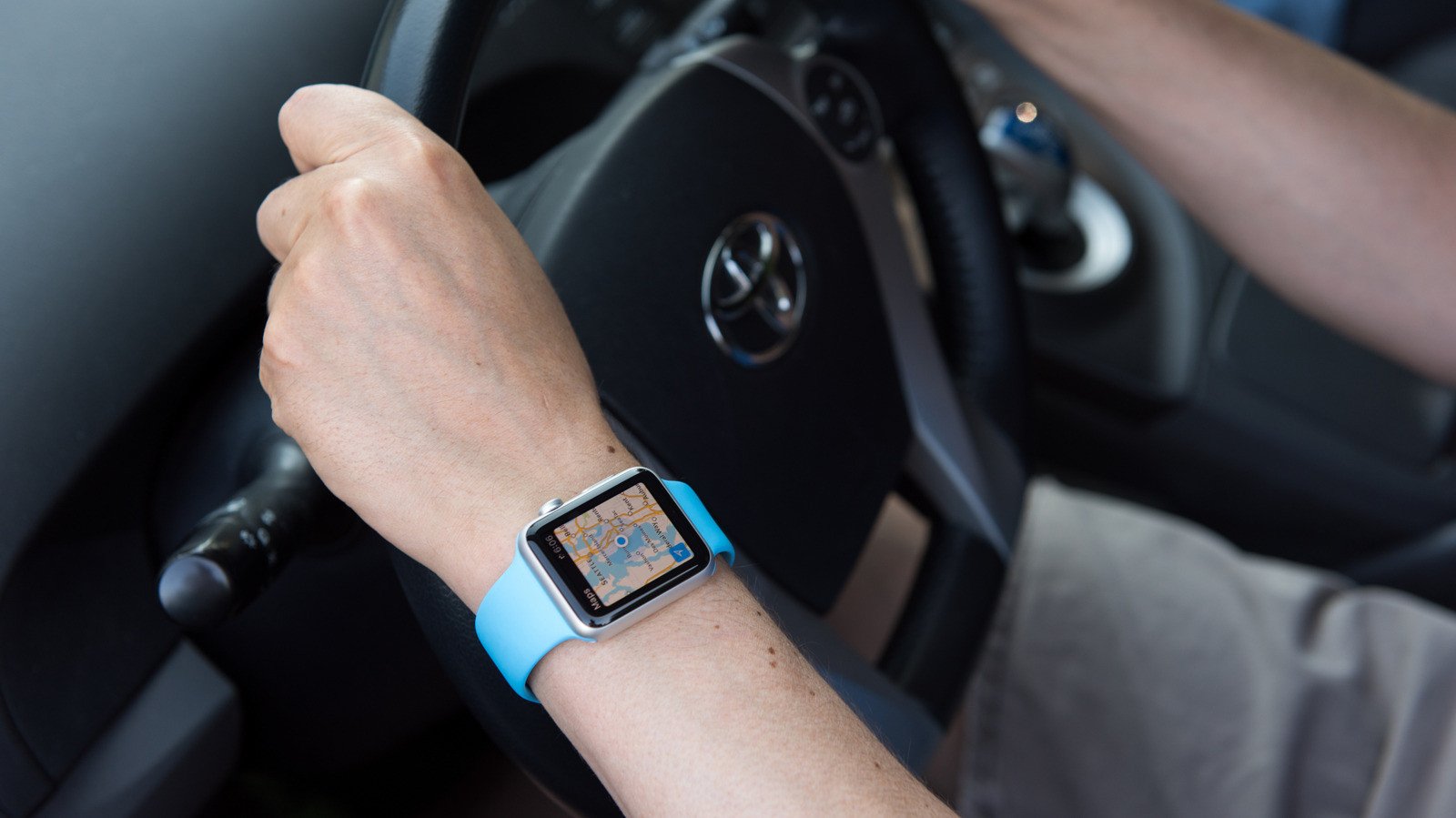

In the ever-evolving landscape of automotive technology, Apple continues to innovate, seamlessly integrating its devices into our daily lives. For many drivers, Apple CarPlay has become an indispensable co-pilot, transforming the in-car experience. But what if we told you there’s a subtle yet powerful Apple Watch feature that elevates this experience, making your journeys safer and more intuitive? It’s likely already active on your wrist, silently guiding you with a discreet tap.
The Power of Haptic Navigation: A Driver’s Best Friend
For those deeply embedded in the Apple ecosystem, the debate between Apple Maps and Google Maps has long been a lively one. While Apple Maps once faced a rocky start, it has since undergone a significant transformation, now offering a robust and reliable navigation experience. As one cross-country traveler recently discovered, Apple Maps holds a distinct advantage, particularly when paired with an Apple Watch: haptic feedback.
Long drives demand unwavering attention. The Apple Watch, when linked with CarPlay, provides an ingenious solution to combat driver fatigue and prevent missed turns. Instead of solely relying on visual cues on your car’s display or audio prompts, your Apple Watch delivers a gentle, unmistakable tap on your wrist as a turn approaches. These vibrations are perfectly synchronized with CarPlay’s audio and visual alerts, creating a multi-sensory guidance system that makes it virtually impossible to miss your next maneuver.
Seamless Integration with CarPlay
This haptic alert system is designed for convenience, often activating by default once your Apple Watch is configured. Imagine navigating a complex interchange; a distinct vibration pattern for a left turn, another for a right, ensuring clarity even in bustling environments. This isn’t just about convenience; it’s a significant safety enhancement, particularly for drivers prone to distraction or those embarking on lengthy journeys where vigilance can wane.
Customizing Your Alerts
While the feature is typically on by default, Apple provides full control. Should you wish to verify its status or disable it, the process is straightforward. Simply open the Watch app on your iPhone, navigate to the “My Watch” tab, select “Apps,” and then “Maps.” Here, you can toggle alerts specifically for “Driving with CarPlay,” alongside options for other activities like walking or cycling. While you might consider disabling CarPlay integration if it proves distracting, keeping cycling alerts active is highly recommended. For cyclists or users of personal electric vehicles, checking a screen mid-ride can be hazardous, making audio and haptic cues invaluable for safe navigation.
Beyond the Car: Standalone Watch Navigation
The utility of your Apple Watch for navigation extends beyond CarPlay, offering guidance even when your iPhone isn’t readily accessible. However, it’s important to understand the current limitations.
Why No Standalone CarPlay?
Despite the Apple Watch’s impressive capabilities, running CarPlay exclusively from your wrist remains an impossibility. Even advanced models like the Apple Watch Ultra 4 lack the processing power required for such an intensive application, and the battery drain would be prohibitive. Furthermore, the absence of USB ports restricts Apple Watches to wireless CarPlay at best, a feature not currently supported for standalone operation.
WatchOS Navigation Alternatives
Fear not, for your Apple Watch can still be a capable navigator on its own. The watchOS version of Apple Maps provides direct driving directions, complete with the same haptic feedback, audio, and visual guidance you’ve come to appreciate. For this to work without your iPhone, you’ll need to either download offline maps in advance or ensure your watch has an active cellular plan. It’s worth noting that many carriers charge extra for smartwatch cellular coverage, a cost to consider given that simultaneous phone and watch data usage is rare. Conversely, while Google Maps is available on the Apple Watch, its navigation features currently require your iPhone to be connected, and it lacks an offline maps option on watchOS. These limitations highlight areas where both Apple and Google could still enhance the standalone watch navigation experience in the future.
In conclusion, the Apple Watch’s haptic feedback for navigation, especially in conjunction with CarPlay, is a prime example of thoughtful integration designed to enhance safety and convenience. It’s a small detail that makes a big difference, proving that sometimes, the most impactful features are the ones you barely notice until they’re not there.
For more details, visit our website.
Source: Link






Leave a comment