



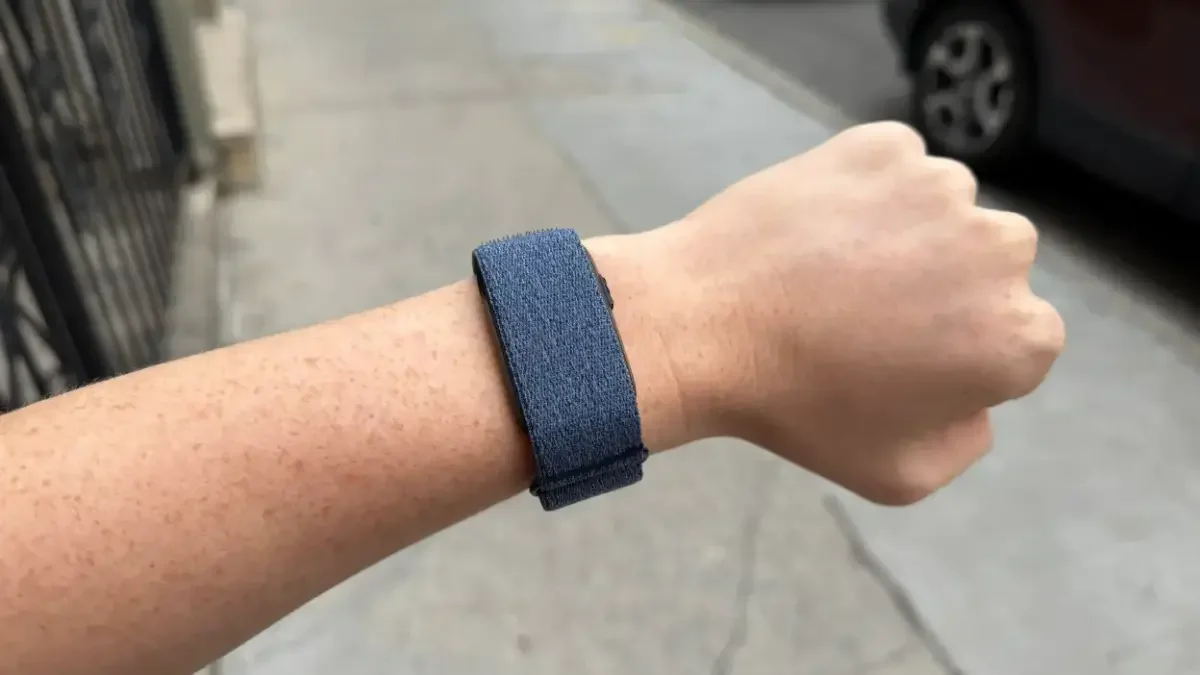

For dedicated users of Garmin‘s minimalist Cirqa smart band, a significant void has just been filled. This week, the screenless wearable received a firmware update (Version 4.20) that addresses one of its most glaring omissions: the ability to receive alerts directly from your phone. This long-awaited enhancement means your Cirqa can now discreetly buzz your wrist for incoming texts, calls, and other smart notifications, transforming it from a silent tracker into a truly connected companion.
The arrival of this feature, officially noted on Garmin’s forums as “Support vibration for smart notifications/incoming calls,” has been met with widespread enthusiasm. Users across the Garmin subreddit have expressed their delight, underscoring just how crucial this functionality was for the device’s overall utility.
Bringing Your Cirqa to Life: How to Enable Phone Alerts
It’s worth noting, with a touch of irony, that Garmin’s official FAQ still incorrectly states that the Cirqa does not vibrate for smartphone notifications. Clearly, this page is now outdated and ripe for correction. While official step-by-step instructions from Garmin are pending, we’ve tested the process to ensure you can get your Cirqa buzzing with vital alerts.
Prerequisites and Setup Steps
To unlock these new notification capabilities, your Cirqa band must be running firmware version 4.20 or later. Here’s how to get everything configured:
- Update the Firmware: Open your Garmin Connect app. Sync your Cirqa smart band with the app, which will prompt it to check for and install version 4.20 or any newer updates.
- Grant Phone Permissions: Navigate to your phone’s system settings. Locate the Garmin Connect app and ensure it has been granted the necessary permissions to access SMS, Contacts, and Phone functions.
- Configure Notifications in Garmin Connect: Return to the Garmin Connect app. Tap on the Menu (or “More”) tab, then select “Garmin Devices.” Choose your Cirqa Smart Band from the list. Finally, go to “Notifications & Alerts” (or “Smart Notifications”) and toggle on the options for text and call alerts.
Troubleshooting Tip
If you find that alerts aren’t coming through after setup, double-check that “Do Not Disturb,” “Sleep Mode,” and any aggressive “Battery Saver” settings are deactivated on both your smartphone and your Garmin Cirqa band. These settings can often interfere with notification delivery.
Beyond Notifications: Other Key Improvements in Version 4.20
While phone alerts are undoubtedly the headline act for many Cirqa enthusiasts, the 4.20 firmware update delivers a robust suite of other enhancements and crucial bug fixes, significantly improving the device’s performance and user experience:
- Trail Run Enhancement: The smart band now supports Run/Walk detection specifically for Trail Run activities, offering more accurate tracking for off-road adventurers.
- Timestamp Accuracy: A persistent issue where an activity’s recorded time didn’t align with the time on your phone has been resolved, ensuring consistent data.
- Distance Calibration: Users can now calibrate distance for Treadmill Run, Indoor Rowing, and Indoor Cycling activities *before* saving them, leading to more precise indoor workout metrics.
- Duration Alerts Refined: Duration time alerts, particularly for spoken cues, will now accumulate more effectively, providing clearer guidance during workouts.
- Smarter Stress Alerts: Stress alerts are now intelligently blocked while Auto Activity Detection is actively recording, preventing unnecessary interruptions during focused activity.
- Reliable Bedtime Reminders: An issue causing the “bedtime approaching” notification to sometimes fail has been fixed, helping users maintain consistent sleep schedules.
- Live Activity Heart Rate: Heart rate data now appears on the Live Activity screen even before recording officially begins, offering immediate insights.
- Pinned Activity Stability: A bug that caused pinned activities to revert to “Timed Activity” after a phone language change has been rectified.
- Workout Editing Fix: A problem preventing the editing of reps during a workout has been resolved, enhancing flexibility for custom training.
- General Stability: The update also includes general system stability improvements, promising a smoother and more reliable overall experience.
This comprehensive update solidifies the Garmin Cirqa’s position as a capable and now truly connected smart band. The addition of phone notifications, coupled with a host of other practical improvements, makes the Cirqa an even more compelling choice for those seeking a discreet yet powerful fitness and activity tracker.
For more details, visit our website.
Source: Link





Leave a comment