



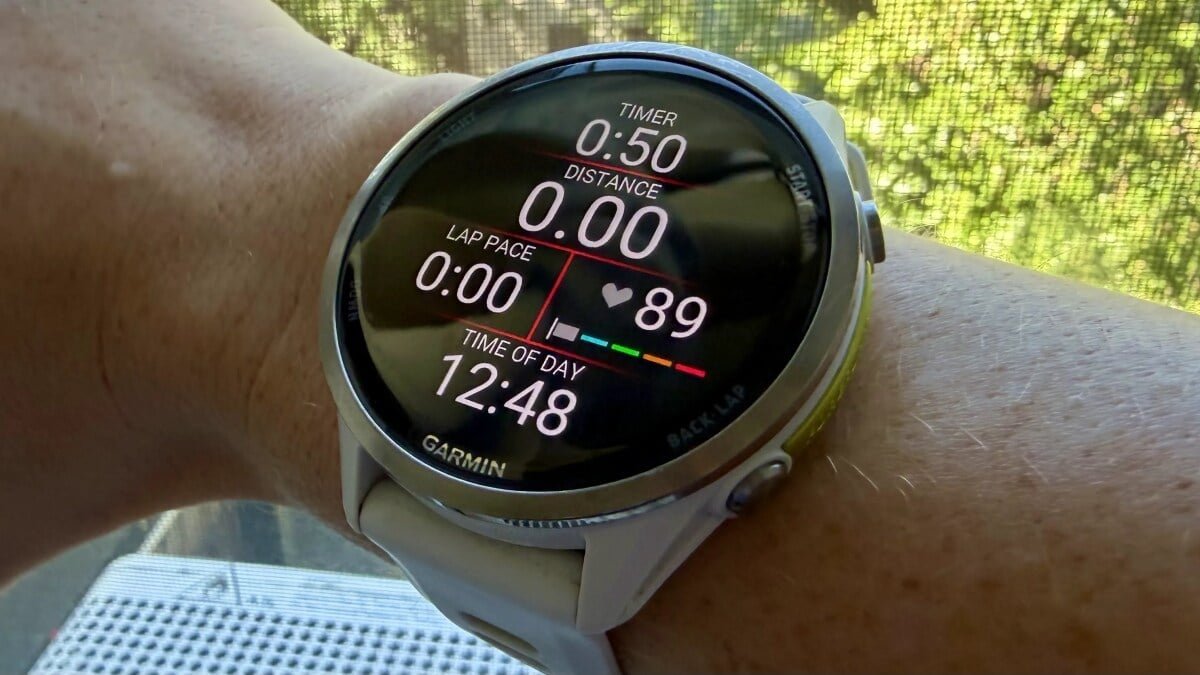

In the dynamic world of fitness, few concepts have captured the collective imagination quite like Zone 2 training. Touted as the holy grail for everything from boosting aerobic capacity to extending longevity, its allure is undeniable. Yet, for all the hype, the efficacy of Zone 2—or any heart rate-based training—hinges on one critical, often overlooked factor: the accuracy of your heart rate zones. If you’re a Garmin user, it’s highly probable your watch isn’t telling you the full, accurate story. It’s time for a recalibration.
The Hidden Flaw in Your Garmin’s Default Settings
When you first strapped on your new Garmin, it likely asked for basic details like age and weight. From this data, it generated a set of heart rate zones, typically relying on a generalized formula such as “220 minus your age” to estimate your maximum heart rate. While convenient, this approach is fundamentally flawed.
Why ‘220 Minus Your Age’ Falls Short
The “220 minus age” formula is a population average, not a personalized physiological truth. Real maximum heart rates can vary significantly among individuals of the same age. If your actual max HR is 195 bpm but your watch assumes 180 bpm, every subsequent zone calculation will be skewed. Your perceived “easy” Zone 2 might actually be a barely-there Zone 1, offering minimal training benefit, or worse, an overly strenuous effort that leads to overtraining, all while you believe you’re taking it easy.
The Shifting Sands of Heart Rate Systems
Adding to the complexity, there isn’t a single, universally accepted heart rate zone system. Garmin itself offers multiple methodologies, each with its own advantages and requirements for accuracy:
- Percentage of Max Heart Rate (%Max HR): The simplest method, where zones are direct percentages of your maximum heart rate. Its reliability is entirely dependent on having an accurate max HR figure, which, as discussed, is often an estimate.
- Percentage of Heart Rate Reserve (%HRR): This more personalized approach considers both your maximum heart rate and your resting heart rate. Zones are calculated based on the functional range your heart operates within, making it generally more precise, provided both your max and resting HRs are current.
- Percentage of Lactate Threshold Heart Rate (%LTHR): Many coaches consider this the gold standard. LTHR is the intensity at which your body produces lactate faster than it can clear it—a critical marker of athletic performance. Anchoring zones to LTHR provides a physiologically relevant framework that reflects your body’s actual capabilities, rather than a generic formula.
The Evolving World of Lactate Threshold Detection
Historically, determining your lactate threshold with a Garmin meant donning a compatible chest strap and enduring a rigorous, guided test. However, Garmin’s technology has advanced significantly.
From Chest Straps to Wrist-Based Insights
Newer Garmin models now boast an updated lactate threshold detection feature that leverages the wrist’s optical heart rate sensor. This means no chest strap and no dedicated, structured test are required. Instead, your watch can automatically estimate your LTHR from your regular outdoor runs, typically requiring a baseline VO2 max estimate and consistent heart rate data from your activities. For those who prefer manual control, the auto-detection can be disabled, allowing you to input your own LTHR in the heart rate zone settings. Availability of this feature varies by device model, so it’s worth checking your specific Garmin’s capabilities.
The Imperative to Recalibrate: Why Your Zones Aren’t Static
Even if you meticulously set your heart rate zones initially, they are not a “set it and forget it” parameter. Your physiology is dynamic, and several factors necessitate periodic updates:
- Your Fitness Journey Changes: As you get fitter, your resting heart rate often decreases, and your lactate threshold can shift. Zones based on an older fitness level will no longer accurately reflect your current capabilities.
- The Inevitable March of Age: Maximum heart rate naturally declines with age. Ignoring this gradual change means your zones will progressively become too high for your true physiological limits.
- Sport-Specific Demands: Heart rate responses differ across activities like running, cycling, and swimming. Garmin allows for sport-specific zones for a reason. If you’ve transitioned between sports or never customized these settings, you might be applying running zones to your bike rides, or vice versa, leading to inefficient training.
- Device Migration and Data Legacy: Upgrading your watch or importing old profile data can sometimes carry over outdated zone settings. A fresh look is always warranted.
- Fluctuations in Resting Heart Rate: Since HRR-based zones depend on your resting heart rate, any significant change in this metric (due to improved fitness, stress, illness, etc.) will throw off your calculations.
While the consequences of outdated zones may not be catastrophic, for anyone serious about optimizing their heart rate training, regular recalibration is essential. It ensures that every minute you spend in a “zone” is truly contributing to your desired fitness goals, making your Garmin a powerful, precise tool rather than just an educated guesser.
For more details, visit our website.
Source: Link








Leave a comment