
Parenting often feels like a constant negotiation, especially when it comes to daily routines. Getting a spirited 4-year-old to embrace tasks like brushing teeth or bedtime can be a Herculean effort. Enter the Skylight Buddy, a new contender from the creators of the popular Skylight digital calendar, promising to transform chaotic mornings and evenings into structured, engaging experiences for children aged 4 to 10. But can this sleek device truly empower kids to manage their own schedules?
First Impressions & Core Promise
Initially, skepticism was high. Could a device genuinely motivate a child, especially one on the younger end of its target demographic, to independently follow routines? After nearly two weeks of rigorous testing, the answer is a resounding yes. The Skylight Buddy has proven to be an exciting, task-completing companion, turning mundane chores into a game my son eagerly participates in.
What We Loved (The ‘Wired’)
- Kid-Friendly Interface: Designed with young users in mind, the Buddy is incredibly intuitive. It uses a combination of words and crucial picture icons, making it accessible even for pre-readers.
Routine & Chore Management:
Parents can easily add and customize routines and chores via the intuitive Skylight app, tailoring schedules to their child’s needs.- Seamless Integration: For families already using a Skylight Calendar, the Buddy syncs effortlessly, ensuring a cohesive family organizational system.
- Subscription-Free Essentials: The core functionalities, including routine management, do not require a subscription, offering excellent value.
- Privacy & Safety: A major plus for parents, the device is intentionally built without a camera or microphone, ensuring a safe and private environment for a child’s bedroom.
- Positive Reinforcement:
The device’s congratulatory messages upon task completion are a huge hit, providing positive feedback that encourages continued engagement.
Areas for Improvement (The ‘Tired’)
- Subscription-Gated Features: While not essential, some additional features are paywalled, which might be a minor annoyance for some users.
- Limited Night-Light & Sound Options: The integrated night-light is quite dim, and the sound machine offers a limited selection compared to dedicated devices like the Hatch Baby.
- Single-Child Focus: The Buddy is designed for one child per device, meaning households with multiple children would need to purchase separate units for individualized routines.
A Closer Look: Design and Setup
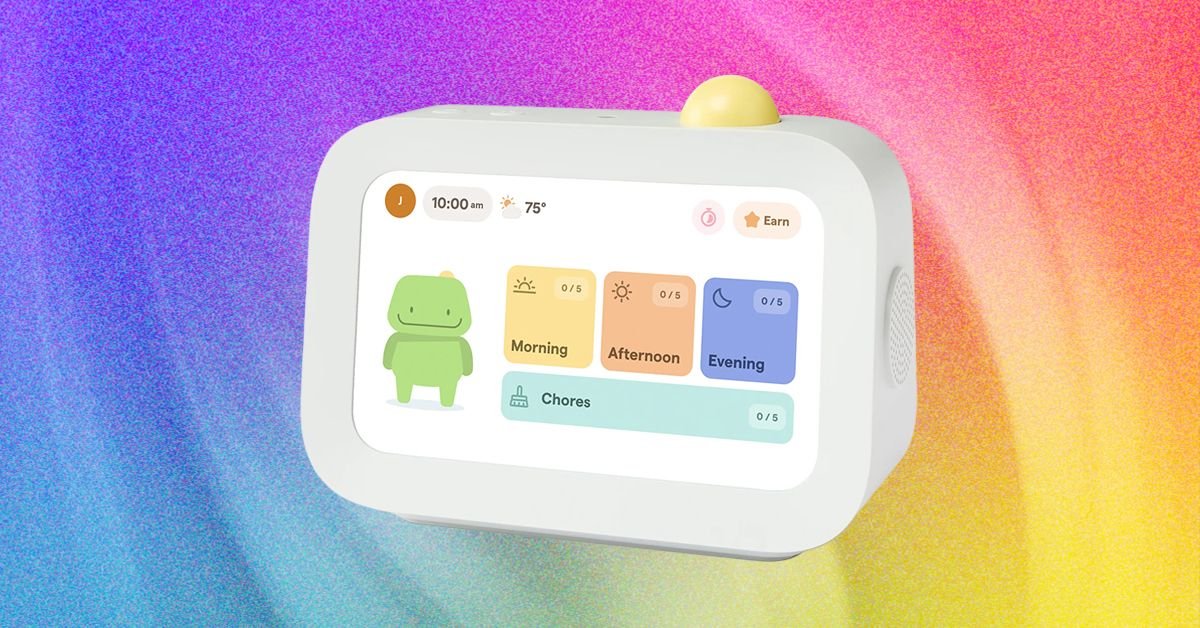
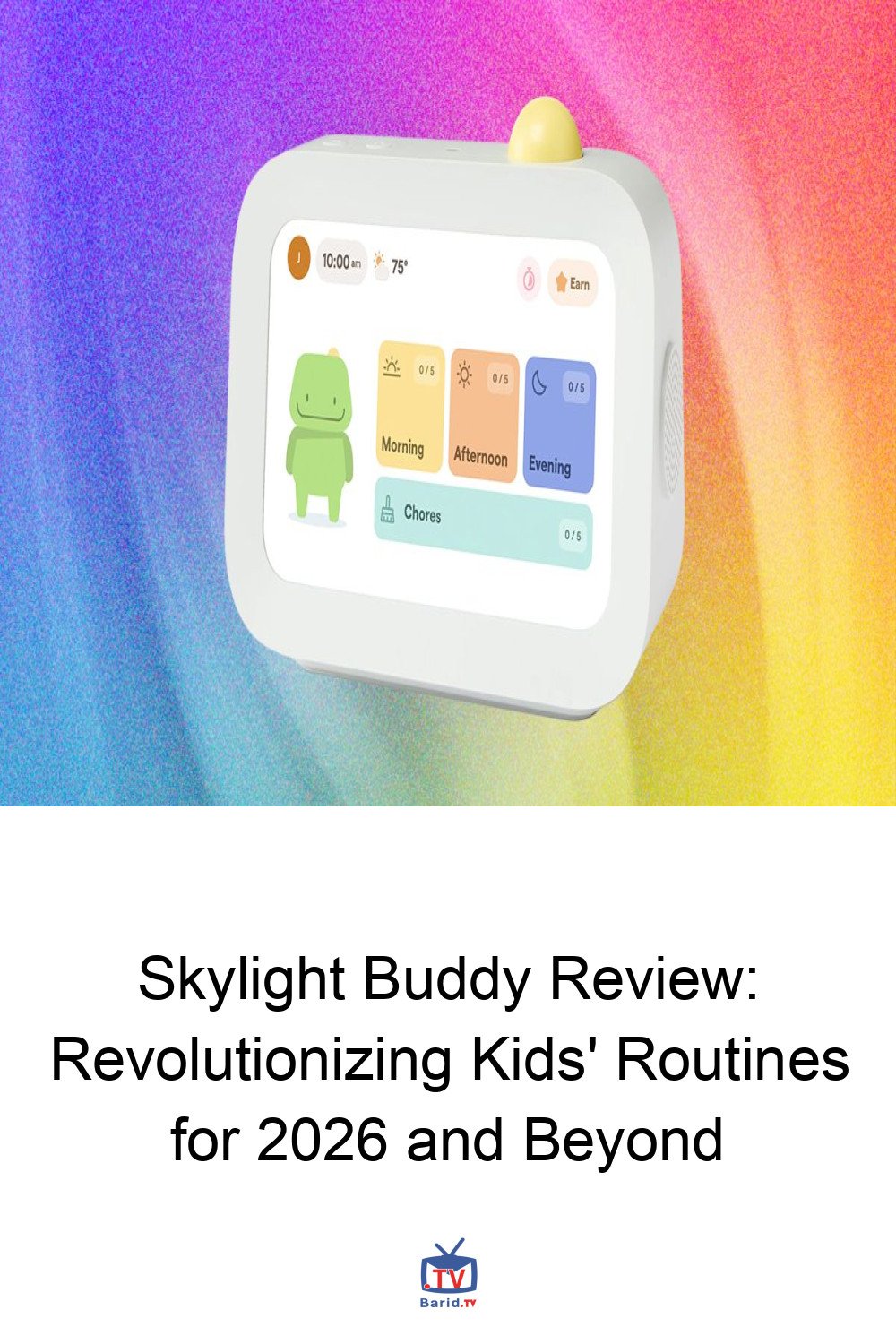
Standing just under 7.5 inches tall, the Skylight Buddy features a clear 1024 x 600 resolution touchscreen. Its design is simple and robust, with a prominent yellow “select” button and accessible volume controls on top. Dual speakers provide audio feedback, and its base cleverly incorporates a subtle night-light. The device comes with a power cord, though its length might necessitate careful placement near an outlet. For added durability and a splash of color, an optional silicone case is available.
Setting up the Buddy is a breeze through the familiar Skylight app. If you’re already a Skylight Calendar or photo frame user, you’ll find the interface intuitive. The Buddy has its dedicated section within the app, allowing parents to create and manage tasks. Each task can be designated as a ‘chore’ or a ‘routine.’ Chores offer detailed tracking options, even allowing them to be marked as “up for grabs” for family collaboration. Routines, on the other hand, focus on repetition and scheduled timing.
For younger children, like our 4-year-old tester, focusing on routines proved most effective. Tasks like “Brush Teeth” or “Get Dressed” appear under “Morning,” “Afternoon,” or “Evening” categories, providing a clear visual schedule for little ones.
Beyond Routines: Sound and Sleep Features
The Skylight Buddy also incorporates sound machine and wake-up functionalities. Configurable through the app’s ‘Sleep & Wake’ menu, these features allow for bedtime sounds, a night-light, and morning alarms. While these are welcome additions, they may not fully replace dedicated sleep devices for some families. Our tester, for instance, preferred the broader sound options and the distinct green light wake-up cue of his existing Hatch Baby. Nevertheless, for those seeking an all-in-one solution, the Buddy offers a competent set of basic sleep and wake tools.
The Verdict: A Game-Changer for Little Learners?
From the moment it was unboxed, the Skylight Buddy captivated our young tester. Its interactive screen and immediate feedback loop transformed routine tasks from battles into achievements. The device’s ability to visually guide children through their day, coupled with its positive reinforcement, genuinely fosters a sense of autonomy and accomplishment.
While a few minor limitations exist – particularly for multi-child households or those seeking advanced sleep features – the Skylight Buddy largely delivers on its promise. It’s an innovative, safe, and engaging tool that empowers children to take ownership of their daily schedules, making life a little easier for parents and a lot more fun for kids. For families looking to instill good habits and reduce daily friction, the Skylight Buddy is a highly recommended addition to the modern smart home.
Pricing & Availability
The Skylight Buddy is available for $140, or $120 with a Skylight Plus Plan subscription. It can be purchased directly from Skylight.
For more details, visit our website.
Source: Link