



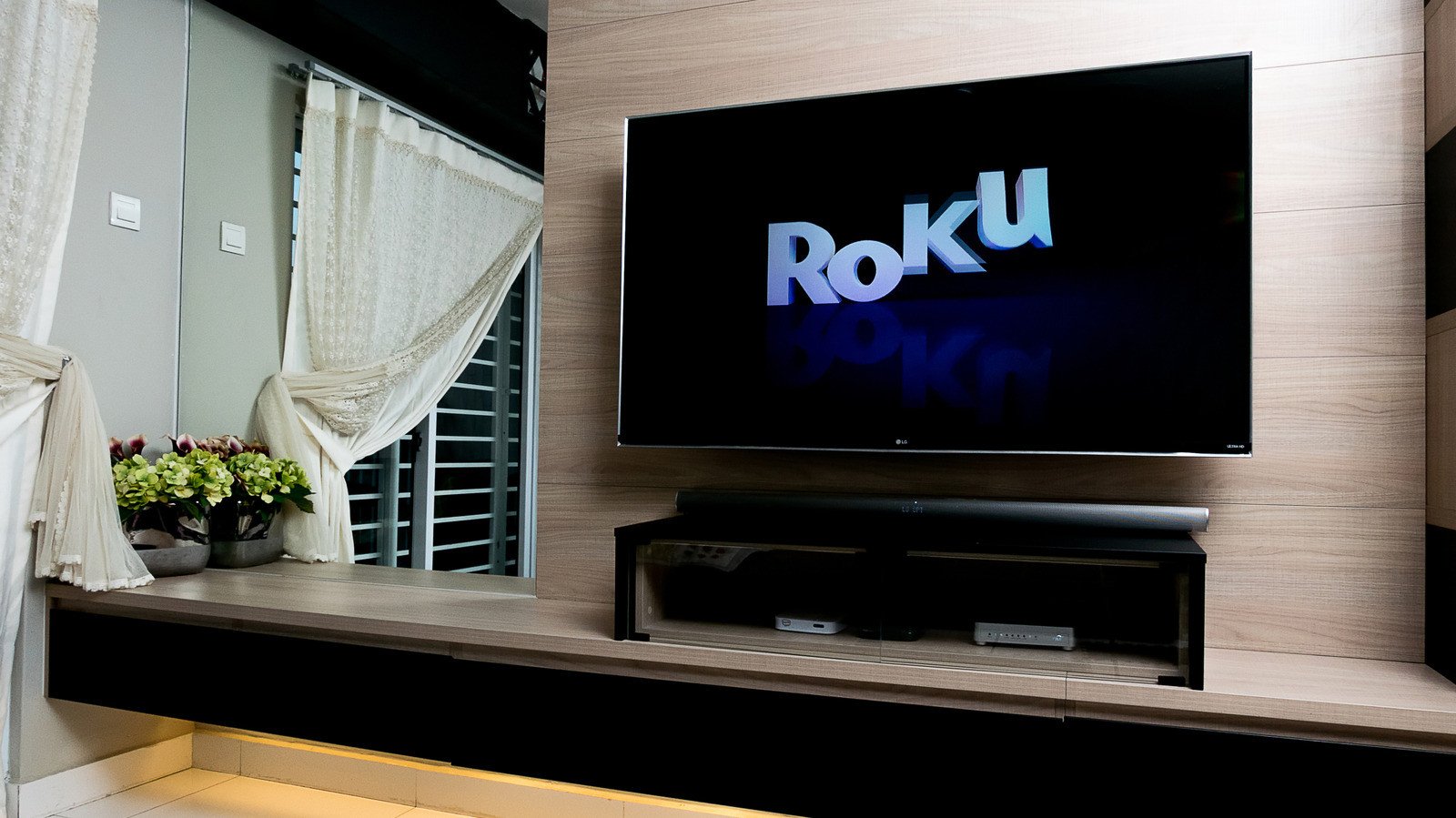

Imagine showing someone from three decades ago a modern smart TV. Their mind would undoubtedly be blown by the sheer volume of content and interactive possibilities. Beyond the endless streaming options, your Roku TV holds a hidden gem that can dramatically enhance your movie-watching experience, allowing you to see films precisely as their creators intended.
The Cinematic Standard: Why 24fps Matters
Most Roku TVs, like many modern displays, default to a 60 frames per second (fps) refresh rate. While this is perfectly adequate for general viewing and fast-paced content like sports or video games, it’s not ideal for cinematic storytelling. The vast majority of movies, from Hollywood blockbusters to independent art house features, are filmed and projected at 24fps. This standard has shaped the visual language of cinema for decades, defining the unique “film look” we associate with the big screen.
When you sit in a movie theater, you’re experiencing content at 24fps. This lower frame rate creates a subtle motion blur and a distinct aesthetic that filmmakers leverage to convey mood, scale, and narrative. Watching a 24fps film at 60fps can introduce an artificial smoothness, often referred to as the “soap opera effect,” which detracts from the original artistic intent.
Reclaiming the Director’s Vision: Adjusting Your Roku TV’s Refresh Rate
Fortunately, your Roku TV offers a simple solution to align your home viewing with the theatrical experience. By making a quick adjustment in your settings, you can enable your TV to automatically match the native refresh rate of the content you’re watching, ensuring movies are displayed at their intended 24fps.
Step-by-Step Guide to Cinematic Viewing
- Navigate to the Main Menu: Start from your Roku TV’s home screen.
- Access Settings: Select the ‘Settings’ option.
- Enter System Settings: Choose ‘System’ from the settings menu.
- Find Advanced System Settings: Scroll down and select ‘Advanced System Settings’.
- Open Advanced Display Settings: Within this menu, locate and select ‘Advanced Display Settings’.
- Enable Auto-Adjust Display Refresh Rate: Toggle the ‘Auto-adjust display refresh rate’ option to ‘On’.
This single adjustment is a game-changer. Once activated, your Roku TV will intelligently detect the native refresh rate of any movie or TV show you play. For films, it will automatically switch to 24fps, delivering that authentic cinematic feel. For TV shows, which might be filmed at 30fps or 60fps, your TV will adjust accordingly, always striving for the most accurate and immersive presentation.
It’s a small tweak with a significant impact, transforming your living room into a more faithful reflection of the silver screen and allowing you to appreciate films exactly as their creators envisioned them.
For more details, visit our website.
Source: Link



Leave a comment