
From landing humans on the moon to powering our daily lives, technology has consistently pushed boundaries. Yet, for years, the dream of an affordable, high-performing laptop seemed just out of reach. Thankfully, that narrative has dramatically shifted. In 2026, the landscape of budget-friendly computing is more vibrant than ever, offering impressive options across various operating systems. Modern Chromebooks deliver sleek efficiency, Windows laptops boast remarkable battery life, and even Apple has introduced a MacBook that defies its premium reputation with an accessible price tag.
If you’re navigating a tight budget but refuse to compromise on quality, you’ve come to the right place. This updated guide, current as of August 2026, features our top recommendations for the best affordable laptops, including new additions like the Dell XPS 13, HP OmniBook 3, and MSI Cyborg A15. We’ve meticulously confirmed accuracy and pricing to ensure you make the smartest choice for your needs.
The Best Budget Windows Laptop: HP OmniBook 5
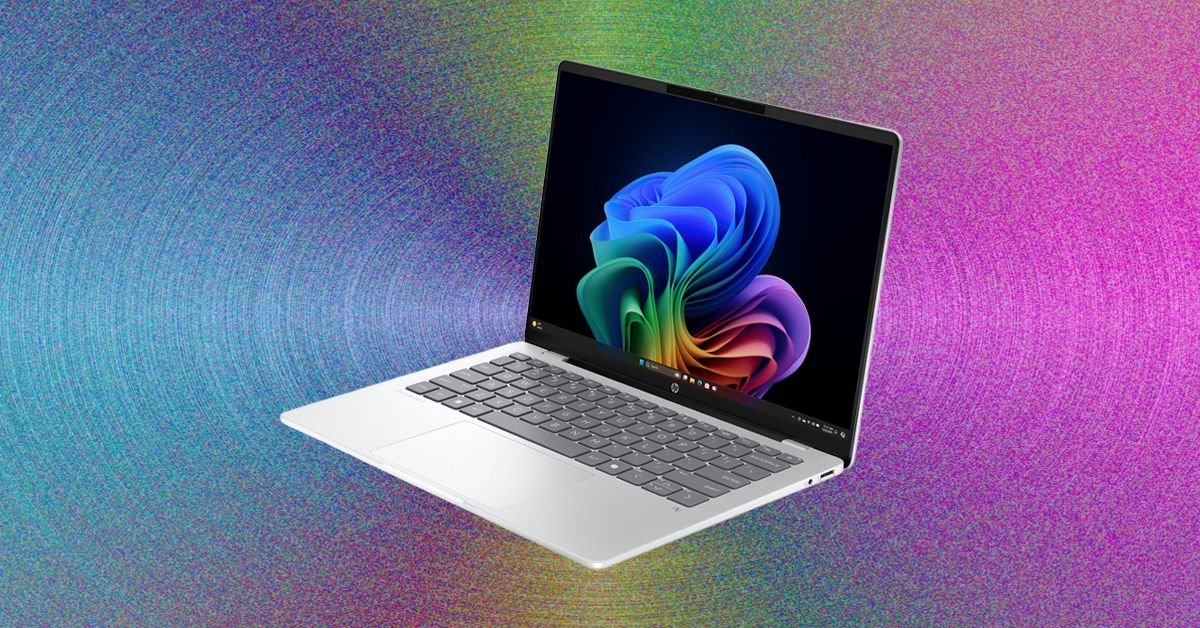
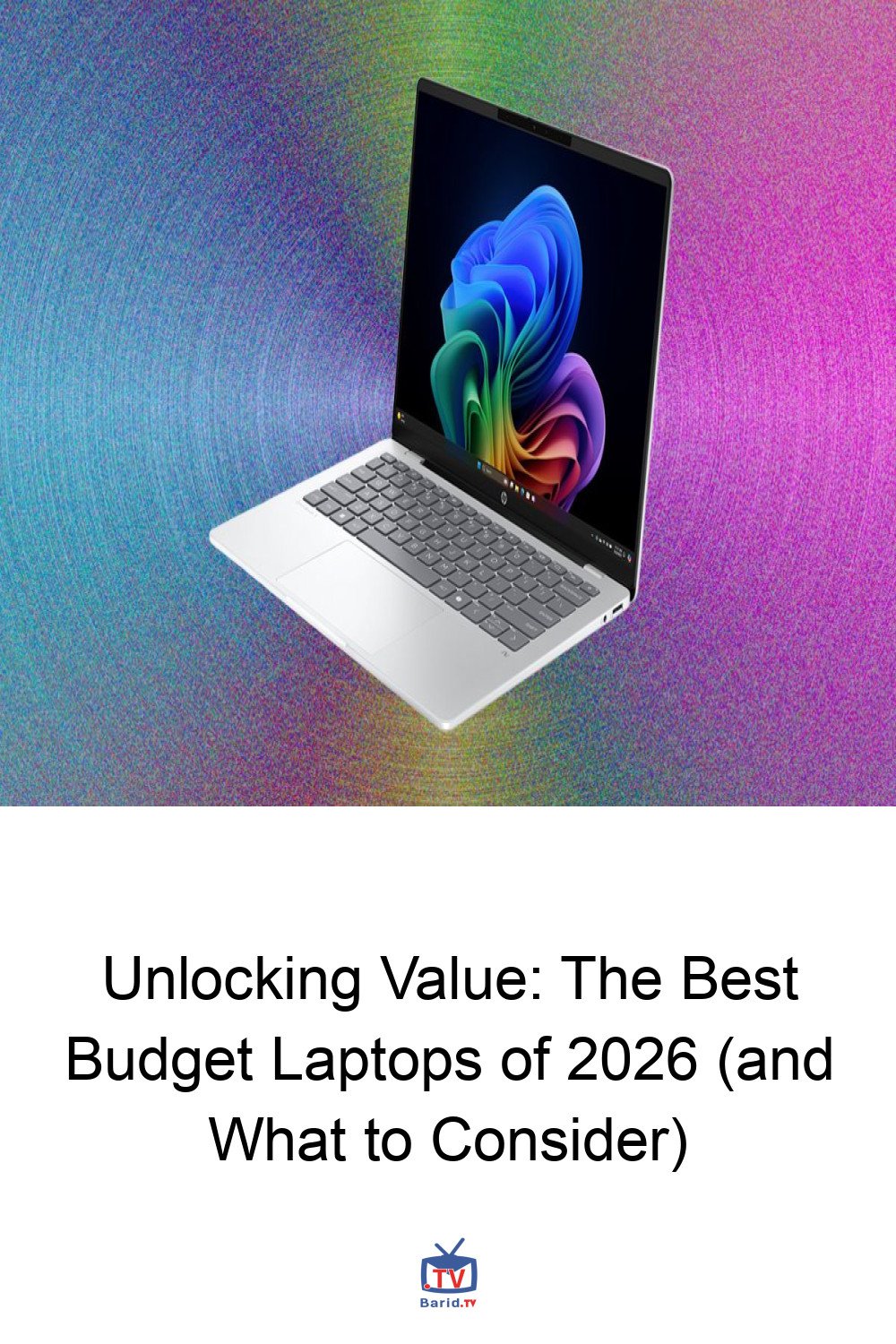
The HP OmniBook 5 14 stands out as a prime example of how far affordable Windows laptops have come, particularly with the integration of Qualcomm’s Snapdragon X chips. These processors deliver not only robust performance but also exceptional battery life, a game-changer for budget-conscious users.
HP OmniBook 5 14-inch
While its retail price might seem steep at $1,300, the OmniBook 5 is frequently available at significant discounts, often dropping below $700 and sometimes even as low as $550 on HP.com. At these prices, it offers incredible value.
Key specifications include a generous 16 GB of RAM and 512 GB of storage, paired with a stunning 14-inch OLED screen. The OLED display is a significant upgrade at this price point, providing a visual experience far superior to standard IPS panels, though it may not match the absolute sharpness or brightness of premium rivals like the MacBook Neo or Dell 14 Plus.
Portability is another strong suit, with the OmniBook 5 measuring a mere half-inch thick. While the keyboard is highly commendable, offering a comfortable typing experience, the touchpad can be a minor drawback. It occasionally feels less responsive than ideal, making precise navigation a bit challenging. However, the inclusion of a traditional USB-A port is a welcome and practical addition for many users.
Specifications at a Glance:
- Processor: Qualcomm Snapdragon X
- Memory: 16 GB
- Storage: 256 GB or 512 GB
- Display: 14-inch, 1920 x 1200 at 60 Hz (OLED)
- Webcam: 1080p
- Thickness: 0.50 inches
- Weight: 2.84 pounds
The Accessible Apple: MacBook Neo
For those who’ve long coveted the Apple ecosystem but found its price prohibitive, the MacBook Neo (WIRED Recommends, 7/10) finally brings that dream within reach. Priced at a consistent $699 across major retailers, it represents Apple’s most budget-friendly laptop to date.
MacBook Neo 13-inch
To achieve this accessible price point, Apple made a few strategic compromises. Users will note the absence of keyboard backlighting and USB-C ports that, while functional, aren’t the fastest on the market. The most significant trade-off, however, is the base 8 GB of RAM. In an era where 16 GB is rapidly becoming the standard for modern laptops, 8 GB can lead to memory bottlenecks under heavier workloads. For students, casual users, or as a secondary device for weekend tasks, the MacBook Neo performs admirably.
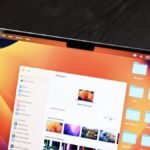
Where the MacBook Neo truly shines is in its “front-of-screen experience.” The build quality and design are unmistakably Apple, mirroring the premium feel of its more expensive siblings. A playful touch comes from the white keyboard and bolder color options. Furthermore, its 13-inch IPS display is a standout feature, offering impressive sharpness and brightness that surpass most competitors, with only the Dell XPS 13 potentially offering a brighter alternative.
Specifications at a Glance:
- Processor: Apple A18 Pro
- Memory: 8 GB
- Storage: 256 GB or 512 GB
- Display: 13-inch, 2408 x 1506 (IPS)
- Webcam: 1080p
- Thickness: 0.50 inches
- Weight: 2.7 pounds
The Premium Performer Under $1,000: Dell XPS 13 (2026)
The 2026 Dell XPS 13 redefines expectations for Windows laptops in the sub-$1,000 category, proving that a blend of performance and affordability can not only rival but even surpass the likes of the MacBook Neo. Dell has engineered a machine that makes remarkably few compromises, delivering a truly premium experience at a more accessible price point.
Dell XPS 13 (2026)
Starting at $700 for the 8 GB model (or $900 for 16 GB), the XPS 13 offers a compelling package. Its portable design is sleek and refined, making it an ideal companion for on-the-go productivity. The laptop features an excellent display, a trackpad that offers smooth and precise navigation, and high-speed USB-C ports for rapid data transfer and connectivity.
Compared to the MacBook Neo, the Dell XPS 13 often holds a distinct advantage, particularly in its ability to offer a more robust base configuration without a significant price jump. It truly stands out as a top contender for those seeking a high-quality Windows experience without breaking the bank.
Other Noteworthy Budget Laptops to Consider
Beyond our top picks, the market offers several other compelling options for budget-conscious buyers. The HP OmniBook 3 (2026), for instance, emerges as a strong contender for the title of the cheapest Windows laptop truly worth buying, often found around $543 for a 16-inch model. It provides a solid foundation for everyday tasks without stretching your finances.
For gamers on a budget, the MSI Cyborg A15, also updated in 2026, presents an intriguing option. While specific details weren’t provided in the initial overview, MSI’s Cyborg line is known for delivering respectable gaming performance at competitive prices, making it a valuable addition to our list of affordable recommendations.
Choosing Your Affordable Companion: Key Considerations
Navigating the budget laptop market requires a keen eye for value and an understanding of your core needs. Here are some critical factors to weigh:
How Much RAM Do You Really Need?
While 8 GB of RAM can suffice for light browsing, document editing, and streaming, 16 GB is rapidly becoming the new standard for a truly smooth multitasking experience. If your workflow involves multiple browser tabs, creative applications, or even light gaming, aiming for 16 GB will significantly enhance your laptop’s longevity and performance.
Are There Any Good Laptops Under $300?
Finding a truly “good” laptop under $300 can be challenging. While some entry-level Chromebooks or refurbished models might fall into this category, they often come with significant compromises in performance, screen quality, or build. For a reliable and satisfying experience, it’s generally advisable to aim for a budget of at least $400-$500, where options like the HP OmniBook 3 begin to shine.
Chromebooks vs. Windows Laptops: Which is Right for You?
The choice between a cheap Chromebook and a budget Windows laptop largely depends on your primary use case. Chromebooks excel in simplicity, security, and battery life, making them ideal for web-based tasks, students, and users who primarily rely on cloud applications. They are generally less expensive for comparable hardware. Windows laptops
, on the other hand, offer greater versatility, compatibility with a wider range of software, and more powerful hardware options, making them suitable for more demanding applications, traditional desktop software, and specific professional tools.
Ultimately, the best cheap laptop for you in 2026 will be the one that perfectly balances your budget with your performance requirements and preferred ecosystem. With these insights, you’re well-equipped to make an informed decision and find a device that truly delivers value without compromise.
For more details, visit our website.
Source: Link