
In a significant development for macOS users, Apple has swiftly addressed a critical security vulnerability that could have allowed malicious actors to gain unauthorized access to your Mac’s screen sharing capabilities. This flaw, which could enable remote control without explicit permission, underscores the constant need for vigilance in our increasingly connected digital lives. Fortunately, Apple has already rolled out patches, and securing your device is a straightforward process.
The Alarming macOS Screen Sharing Flaw
Identified as CVE-2026-65400, this serious vulnerability in macOS’s Screen Sharing feature presented a direct threat to user privacy and data security. The flaw could permit an attacker on your network to “authenticate to Screen Sharing without valid credentials.” In simpler terms, this means a hacker could potentially activate Screen Sharing on your Mac without you ever granting permission. Given that Screen Sharing allows not only viewing but also full remote control of your device, the implications are profound. An attacker could access your personal files, private messages, and sensitive applications, effectively taking over your digital workspace.
Apple’s Swift Response: Patches Released
Apple acted decisively, releasing a series of security updates on Thursday, August 6th, to mitigate this risk. Crucially, these patches aren’t limited to the very latest macOS version. Updates are available for macOS Tahoe 26.6.1, macOS Sequoia 15.7.9, and macOS Sonoma 14.8.9, ensuring that a broad spectrum of recent Mac users can secure their systems. The good news is that Apple stated this flaw was not publicly disclosed or actively exploited prior to the release of these patches, suggesting the company moved quickly to close the loophole before widespread damage could occur.
The Broader Threat Landscape: AI and Vulnerability Discovery
While Apple’s prompt action is commendable, this incident serves as a stark reminder of the evolving cybersecurity landscape. The article notes that advanced AI models, such as ‘Claude Mythos,’ are becoming increasingly adept at identifying security vulnerabilities. This trend suggests that the discovery of such flaws might accelerate, making timely software updates more critical than ever for maintaining digital security.
How to Protect Your Mac: A Step-by-Step Guide
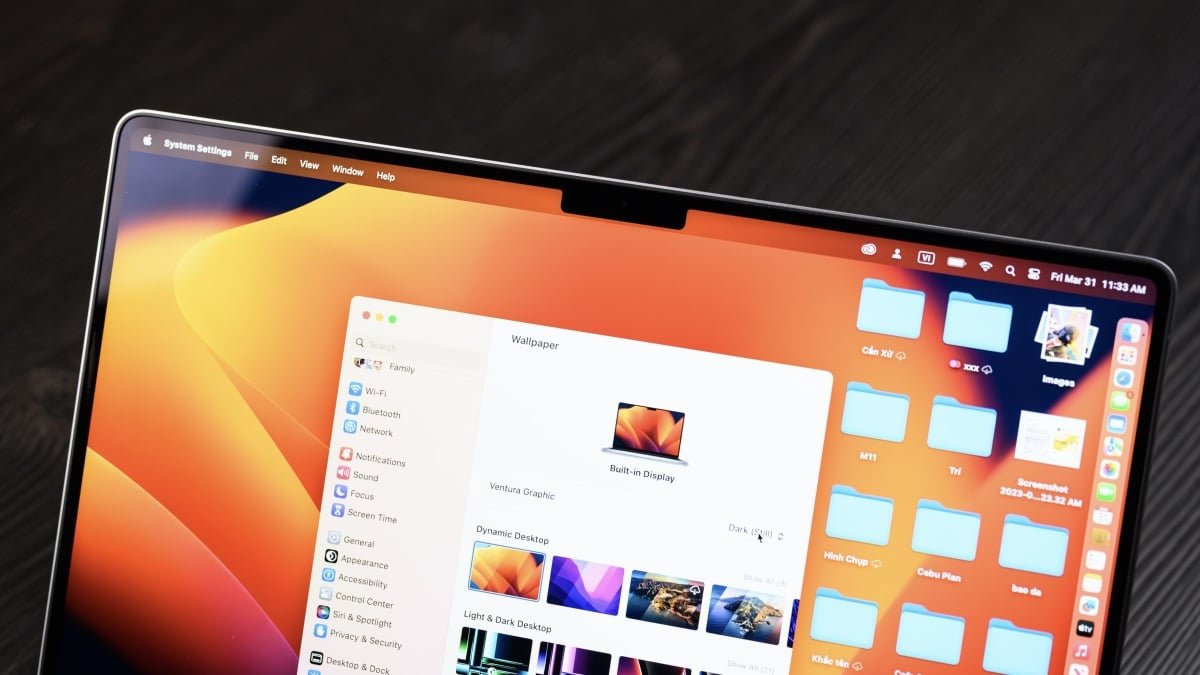
Protecting your Mac from this Screen Sharing vulnerability is simple and highly recommended. Regardless of whether your Mac is brand new or a few versions behind, there’s an update available for you. Follow these steps to install the necessary security patch:
- Open System Settings (or System Preferences on older macOS versions).
- Navigate to General.
- Click on Software Update.
- Allow macOS to check for available updates.
- Follow the on-screen instructions to download and install the security patch.
Ensure your Mac restarts if prompted to complete the installation.
Don’t delay – updating your macOS is the most effective way to safeguard your digital privacy and prevent unauthorized access to your computer. Stay secure, stay updated.
For more details, visit our website.
Source: Link