
Escape the Glare: Paperman App Transforms Your Digital Screen into a Paper-Like Haven
In an increasingly sterile digital landscape, where every interaction unfolds on the same crisp, uniform screens, a refreshing antidote has emerged. Finnish developers DoublOne introduce Paperman, an ingenious application designed to infuse your digital workspace with the comforting, tactile feel of paper. Far from a mere aesthetic gimmick, Paperman aims to enhance focus and alleviate the pervasive digital eye strain that plagues modern screen users.
A Tactile Touch in a Digital World
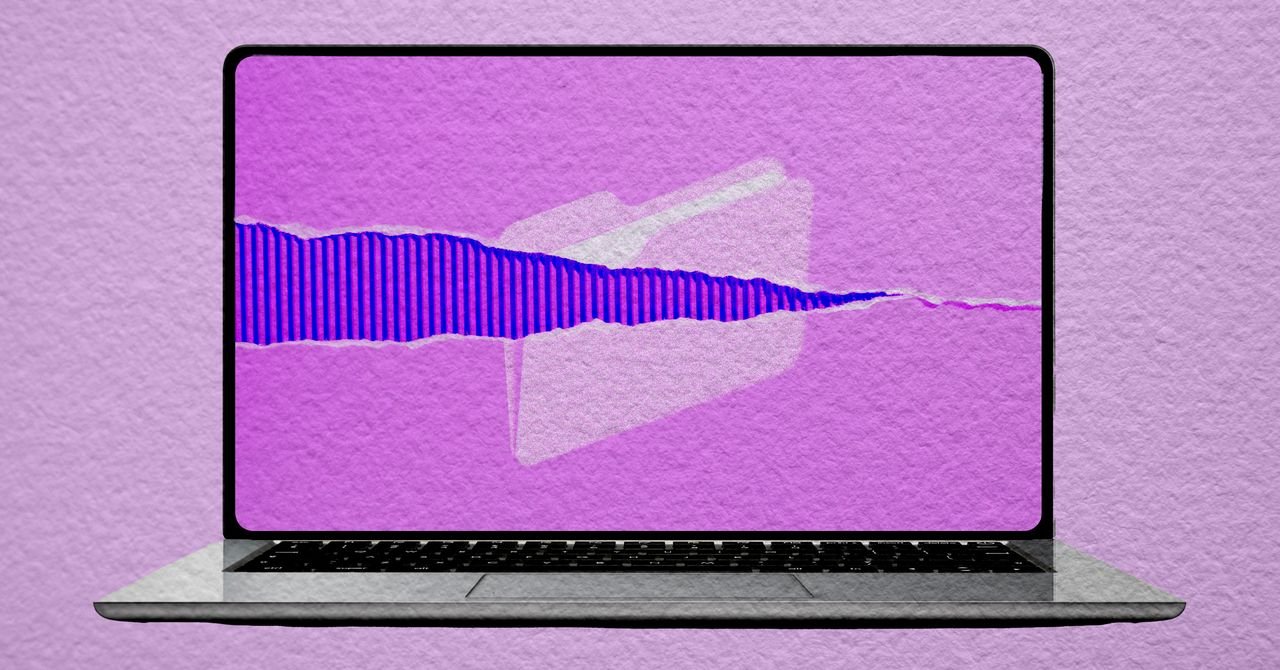
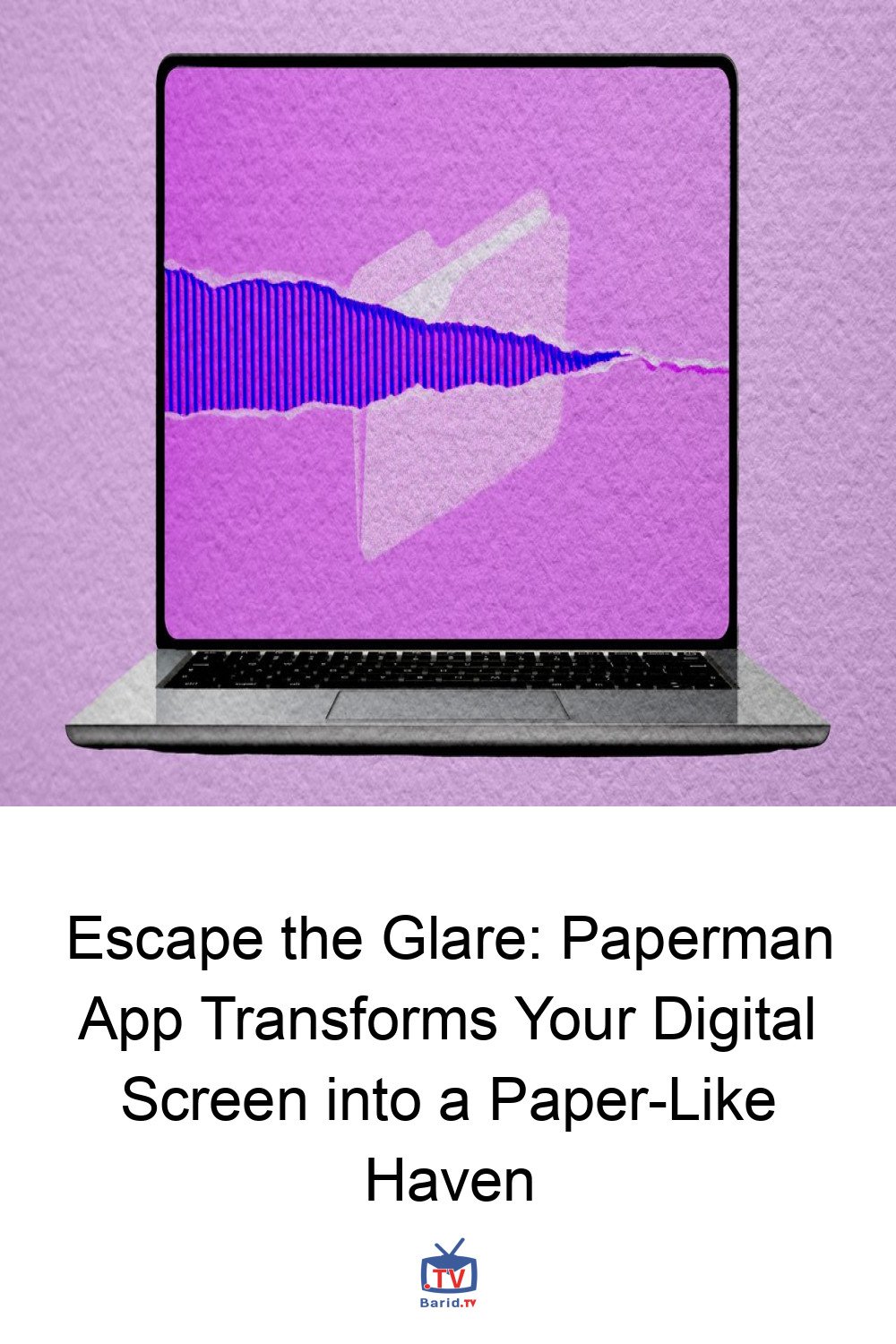
Paperman operates by applying a subtle, textural overlay across your entire computer display, making everything from your documents to your web browser appear as if it’s printed on fine stationery. The effect is reminiscent of classic CRT filters that emulated the nostalgic look of old convex television screens, but instead of retro tech, Paperman mimics the familiar comfort of paper.
The application offers a diverse palette of textures, ranging from the understated ‘Classic Matte’ to the evocative ‘Sunbaked Parchment.’ While personal preference will guide your choice, the developers often recommend ‘Whisper Weave’ for its balanced appeal. Users can also fine-tune the intensity of the effect, allowing for a personalized viewing experience that truly caters to individual comfort.
Beyond Aesthetics: The Science (and Hypothesis) of Screen Comfort
The motivation behind Paperman extends beyond mere visual novelty. DoublOne has compiled academic research suggesting that matte surfaces and paper textures can significantly reduce visual fatigue. But can a virtual overlay truly replicate the physiological benefits of physical paper?
Zoé Kilperti, co-founder of DoublOne, offers a candid perspective. She acknowledges that much of the research focuses on why reading physical paper feels inherently restful—its texture gently breaks up harsh light and softens sharp edges. Modern displays, by contrast, present an intensely uniform, razor-sharp grid of backlight. Paperman’s core design philosophy is to disrupt this uniformity, introducing a subtle ‘grit’ that aims to make the screen less taxing on the eyes.
While Kilperti describes the application as a “design hypothesis rather than something backed by science” in terms of direct scientific evidence for eye strain reduction, the anecdotal feedback from users has been overwhelmingly positive. Many report that Paperman helps them navigate their workdays with greater ease and comfort.
Customization at Your Fingertips
Paperman shines brightest when engaged in text-heavy tasks like reading and writing. However, it’s important to note that the texture is applied universally across the screen, affecting images, videos, and even some games. Recognizing this, the app includes smart features:
- Application-Specific Disabling: You can configure Paperman to automatically pause its effect when certain applications, such as graphic design software or photo editors, are open.
- Multi-Monitor Support: For those with multiple displays, Paperman allows you to apply the texture to one screen while keeping others pristine.
- Customizable Shortcuts: Handy keyboard shortcuts enable users to toggle the effect on and off instantly, ensuring flexibility for any task.
A Design Hypothesis with Real-World Appeal
After several weeks of intermittent use, the benefits of Paperman for reading and writing are palpable. The added texture undeniably enhances the visual experience, making digital text feel more grounded and less ethereal. Whether this directly translates to reduced eye strain or increased focus remains a subjective experience, but the comfort it provides is undeniable.
Availability and Pricing
Ready to transform your screen? Paperman is available for both macOS and Windows platforms, priced at $12. Windows users can take advantage of a free version that allows one hour of daily use before requiring the full purchase. For macOS users, while there isn’t a standalone free trial, Paperman is included as part of the Setapp subscription bundle, offering access to a curated collection of indie applications.
For more details, visit our website.
Source: Link