
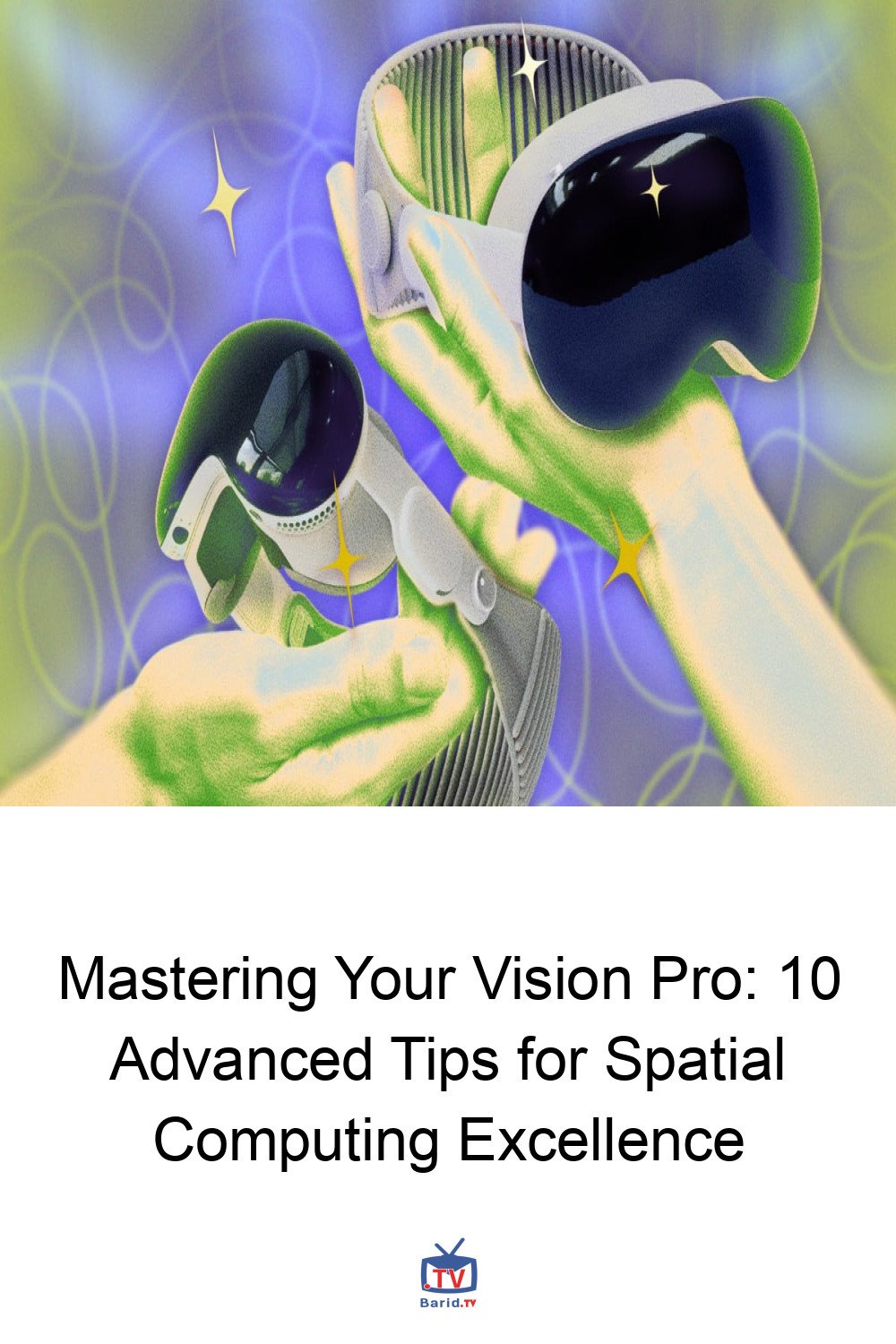
Mastering Your Vision Pro: 10 Advanced Tips for Spatial Computing Excellence
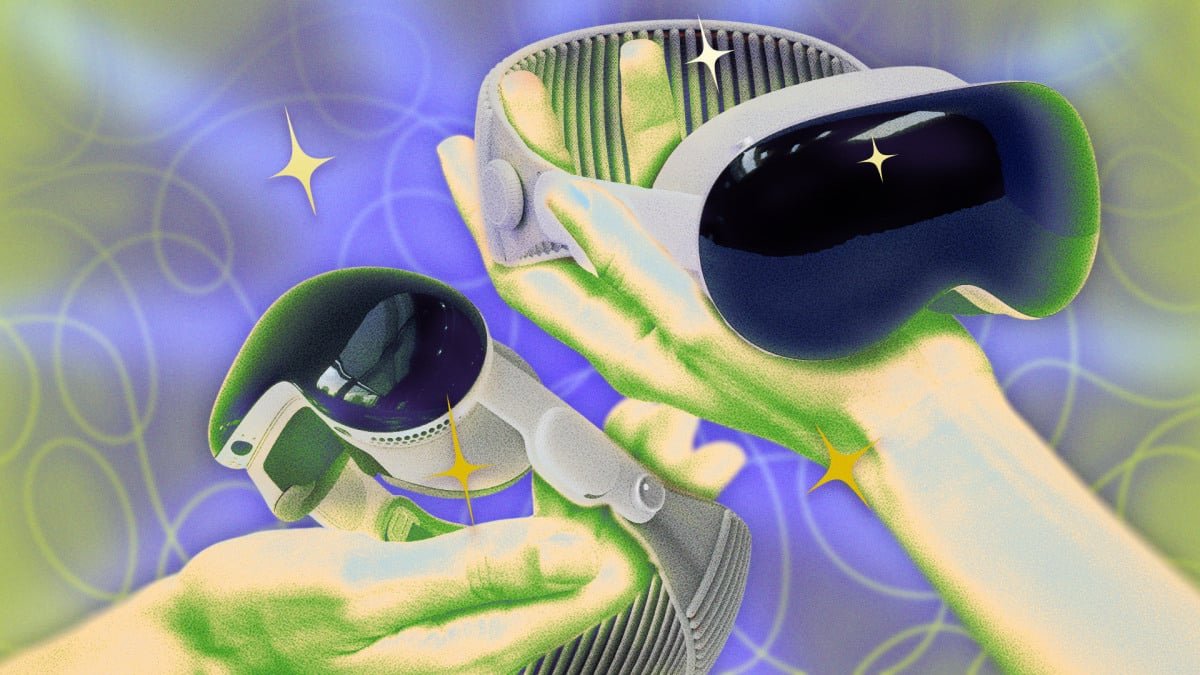
The Apple Vision Pro stands as a monumental leap in spatial computing, a device boasting the formidable M5 chip – a 3-nanometer marvel packing a 10-core CPU, 10-core GPU, and a 16-core Neural Engine. This isn’t just a headset; it’s a supercomputer for your face, eclipsing the processing power found in many desktop setups. Yet, like any high-performance machine, unlocking its true potential requires more than just unboxing. It demands a nuanced understanding of its capabilities and a few insider tricks to truly optimize your experience. Whether you’re an early adopter or just beginning your spatial journey, these ten expertly curated tips will transform how you interact with your Vision Pro, moving beyond the basics to a realm of enhanced productivity, immersive control, and personalized interaction.
1. Unlock Deeper Customization: The Accessibility Advantage
Apple’s Vision Pro UI prioritizes a sleek, minimalist aesthetic, which can sometimes leave users craving more granular control. However, a treasure trove of powerful customizations lies within the often-overlooked Accessibility menu. While primarily designed to assist users with dexterity, visual, or hearing impairments, these settings offer universal benefits for anyone looking to fine-tune their spatial experience. Consider exploring options like ‘Bold Text’ for improved readability, ‘Increase Contrast’ for visual clarity, or ‘Reduced Motion’ to minimize UI element movement. A particularly clever feature allows you to set a custom sound, like “shh,” to instantly adjust volume levels. Dive in and discover what truly enhances your personal interaction.
Pro Tip: Instant Accessibility Toggle
For quick access, a triple-click of the Digital Crown can be configured to instantly activate or deactivate your preferred accessibility features, streamlining your workflow.
2. Seamless Smart Home Integration: Spatial Widgets Reimagined
The introduction of spatial widgets in visionOS was a game-changer, allowing users to anchor information intuitively within their physical environment – a cooking timer by the stove, news updates near the entryway. But for those with Matter-compatible smart home devices, the integration with Apple Home elevates this functionality to an entirely new dimension. Imagine pinning controls for your lighting, thermostat, or security system directly where you need them. A “goodnight” button floating above your bed, ready to dim lights and adjust the temperature with a single glance and pinch. For ultimate personalization, third-party apps like Widgetsmith allow you to tailor the appearance of these controls, ensuring your smart home management is as aesthetically pleasing as it is efficient. These pinned widgets persist even after a restart, ensuring your personalized smart environment is always ready.
3. Expand Your Horizon: Unlimited Storage via Server Connection
The base 256GB storage of the Apple Vision Pro, while substantial, can quickly fill up when dealing with high-fidelity spatial content and extensive media. Fortunately, visionOS offers a brilliant solution: direct server connectivity. This feature allows you to seamlessly access files from local network servers (like your PC or Mac) or cloud storage providers without consuming precious onboard storage. It’s an indispensable hack for professionals handling large datasets or media enthusiasts with vast libraries. Setting it up is straightforward: enable sharing on your remote computer, navigate to ‘Files’ within your Vision Pro, input your server’s hostname or network address, and select ‘Connect.’ You can then choose to connect as a guest or with your credentials, instantly unlocking a virtually limitless storage pool for your spatial computing needs.
4. Share the Wonder: Guest User Mode & AirPlay Mirroring
One of the inherent challenges of immersive AR/VR experiences has been the difficulty in sharing what you’re seeing with others. Apple addresses this elegantly with two distinct features: Guest User mode and AirPlay Mirroring. Guest User mode provides a secure and streamlined way to pass your Vision Pro around. Simply access the Control Center, pinch ‘Guest User,’ and hand over the headset. The Vision Pro will quickly recalibrate for the new user, displaying your current view while safeguarding your personal data. Upon retrieval, your original calibration is instantly restored.
Real-Time Collaboration with AirPlay Mirroring
For a more collaborative or observational experience, AirPlay Mirroring allows you to broadcast your Vision Pro’s view to compatible devices like iPads, Macs, or AirPlay-enabled TVs on the same Wi-Fi network. To activate, open Control Center on your headset and select the ‘Mirror My View’ icon (two overlapping squares). Choose your desired device from the list. If a device isn’t appearing, ensure AirPlay Receiver is enabled on the target device (e.g., in macOS System Settings > General > AirDrop & Handoff, or within the Apple Vision Pro app on iOS). This feature is invaluable for presentations, collaborative work, or simply sharing a breathtaking spatial moment with friends and family.
5. Beyond Photos: Crafting Immersive 3D Spaces with Gaussian Splats
The Vision Pro’s ability to instantly transform standard 2D photos into spatial 3D images is remarkable – a simple tap of the “spatial” or immersion icon in your photo gallery adds a captivating sense of depth. However, this is merely the gateway to a far more profound level of 3D creation. Advanced users can delve into the world of “Gaussian splats” and other cutting-edge techniques to construct truly walkable 3D virtual environments.
Elevating Your Spatial Photography
Third-party applications such as Spatial Media Toolkit and Spatial Video Studio empower you to move beyond basic spatial photo conversion. These tools provide granular control over parameters like depth intensity and cropping, allowing you to optimize images for the most striking 3D effect. Furthermore, they enable saving your creations in various formats, including anaglyph (for classic 3D glasses) and side-by-side 3D, ensuring your spatial memories can be experienced across a wider range of platforms, even beyond the Vision Pro itself. This opens up incredible possibilities for artists, designers, and anyone looking to capture and relive moments with unprecedented depth and realism.
For more details, visit our website.
Source: Link