





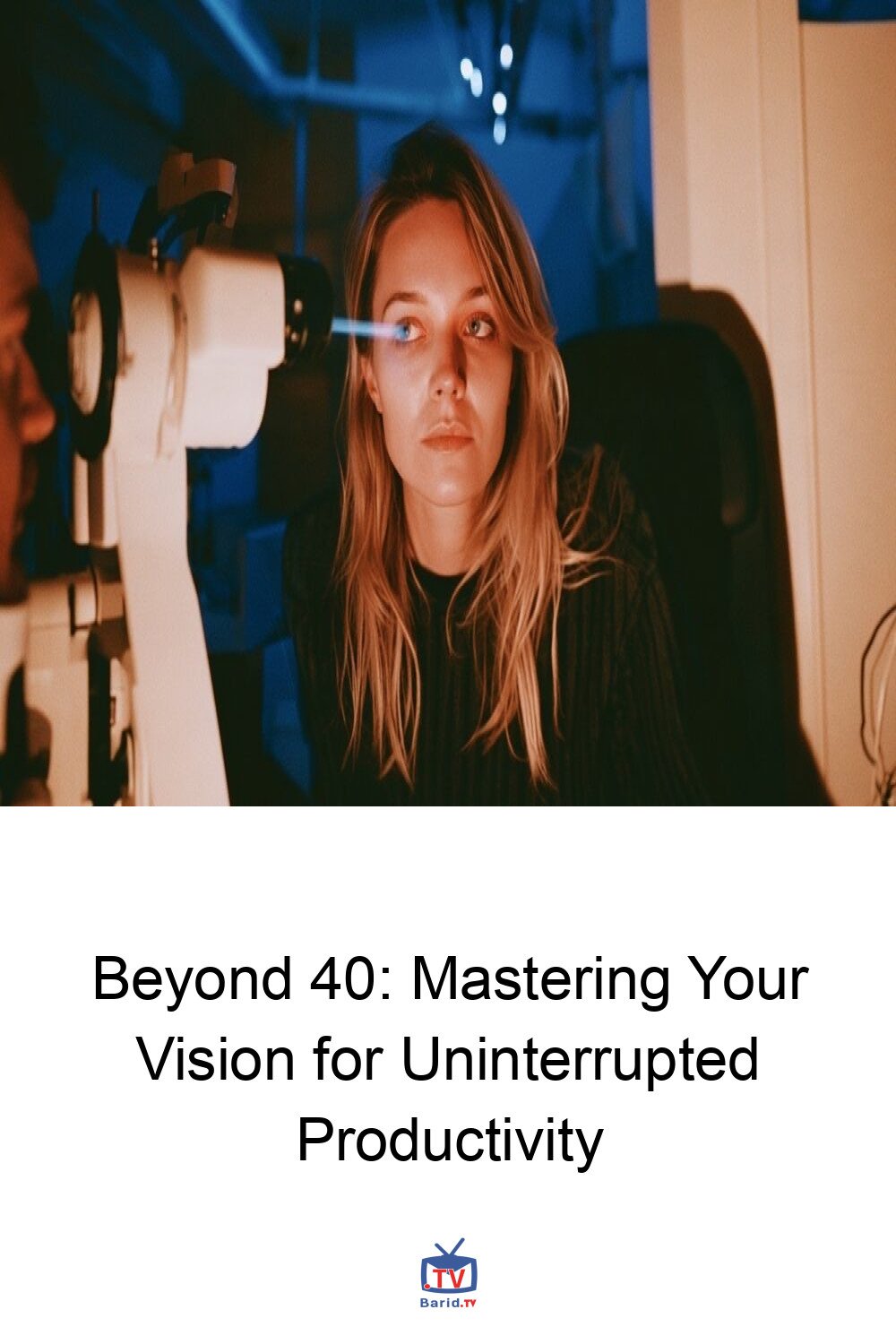
Beyond 40: Mastering Your Vision for Uninterrupted Productivity
Do you find yourself holding your phone further away to read a text, or constantly adjusting your laptop’s zoom before a crucial presentation? That familiar stretch, squint, and sigh aren’t merely signs of a long day; they’re often the subtle indicators that your mid-career eyes are quietly taxing your professional momentum. Clear, comfortable vision isn’t a luxury; it’s foundational workflow infrastructure.
This article delves into the physiological shifts your eyes undergo after forty, explores how these changes can silently erode your productivity, and outlines practical strategies—from simple corrections to advanced care—to ensure your vision remains a powerful asset, not a hindrance.
The Science of Shifting Sight: What Actually Changes After 40
Vision changes post-40 rarely arrive with dramatic flair. Instead, they manifest as minor inconveniences: a slight blur when transitioning from a distant screen to a close document, or the need to extend your arm to read a menu. These common experiences are primarily linked to a natural, age-related condition.
Presbyopia: The Near-Vision Challenge
The most significant change is presbyopia, a condition where the clear lens inside your eye gradually stiffens with age. This hardening reduces its flexibility, making it harder for your eye to change focus between near and far objects. Presbyopia typically becomes noticeable around age 40, precisely when many careers demand peak visual agility.
Beyond Presbyopia: Other Age-Related Changes
While presbyopia takes center stage, other shifts contribute to visual strain:
- Reduced Contrast Sensitivity: The ability to distinguish between subtle shades of light and dark diminishes, making gray text on a dimly lit screen or a faded chart challenging to decipher.
- Slower Pupil Response: Your pupils react less efficiently to changes in lighting, leading to increased glare sensitivity, especially during evening drives or when moving between brightly and dimly lit environments.
- Decreased Tear Production: As screen time increases, tear production often decreases, resulting in dry, sandy, irritated eyes that can steal focus and cause discomfort.
- Early Cataract Formation: Protein changes within the eye’s lens also begin around this time, laying the groundwork for cataracts, which typically manifest later in life.
While these shifts are normal, any sudden blur, flashes of light, or persistent eye pain warrants an immediate professional examination.
The Hidden Costs to Your Workday
These seemingly minor visual adjustments accumulate, quietly taxing your workday and eroding productivity. Blurry contract clauses lead to rereading and lost trains of thought. Dim conference rooms amplify the problem, turning critical data into indistinct shapes.
The constant effort to focus – leaning forward, squinting, or adjusting screen settings – diverts mental bandwidth from strategic thinking to basic visual survival. Screen-heavy days exacerbate dryness, leading to irritation, fleeting blurs, and a dull ache that can spread across your brow, just as you need to be sharpest.
Every interruption, whether a physical adjustment or a mental refocus, breaks momentum. Clear vision isn’t about vanity; it’s about uninterrupted execution and sustained cognitive flow.
Strategies for Optimal Vision and Productivity
Fortunately, a range of solutions exists to mitigate these age-related vision changes and restore your professional edge.
Immediate Solutions: Glasses and Contacts
- Reading Glasses: An instant fix for close-up tasks like reading documents or menus. However, they are limited to near vision.
- Computer Glasses: Specifically calibrated for your exact screen distance, these prevent the constant head bobbing often seen when switching between a laptop and a whiteboard.
- Progressive Lenses & Multifocal Contacts: These advanced options offer a seamless transition between near, intermediate, and far vision within a single lens, allowing you to glide from dashboard to client without changing eyewear. The key to success lies in precise measurement of your real-world working distances.
Ergonomics for Your Eyes: The Screen Setup
Optimizing your digital workspace can significantly reduce eye strain:
- Scale Up: Increase text size until you can read comfortably without leaning in.
- Illuminate Properly: Ensure bright, even task lighting to prevent your pupils from over-straining.
- Optimal Monitor Placement: Position your monitor an arm’s length away, with the top of the screen slightly below eye level. This angle encourages partial lid closure, slowing tear evaporation.
- Combat Glare: Use a matte screen protector or adjust your desk lamp to eliminate reflections.
- Take Breaks: Implement the 20-20-20 rule: every 20 minutes, look at something 20 feet away for at least 20 seconds to reset focus and blink rate.
When to Consider Advanced Care: Surgical Options
If glasses or contacts feel like a constant compromise, surgical interventions may be an option:
- Lens Replacement: Surgeons remove the stiff natural lens and implant an artificial intraocular lens (IOL). Monofocal IOLs sharpen a single distance (often requiring reading glasses for other distances), while premium multifocal, extended-range, toric, or light-adjustable lenses can address multiple zones, though they may introduce trade-offs like halos or night glare.
- EVO ICL: Approved for certain nearsighted adults aged 21–45, this procedure involves sliding a small lens in front of your natural lens, leaving its focusing ability untouched. It’s a solution for myopia, not presbyopia.
Always have a thorough discussion with your eye care professional about risks, potential visual side effects, and likely post-operative glasses needs before committing to surgery.
Proactive Eye Health: When to See a Specialist
The American Academy of Ophthalmology recommends a baseline eye-disease screening at age 40, even if your vision feels perfectly sharp. Schedule an appointment sooner if you experience:
- Recurring headaches or eye strain.
- Print or street signs appearing blurry despite current glasses.
- Night headlights sprouting halos.
- Frequent changes in your prescription.
- Any sudden or significant changes in your vision.
Prioritizing your eye health is an investment in your long-term productivity and overall well-being. Don’t let age-related vision changes dim your professional brilliance.
For more details, visit our website.
Source: Link








Leave a comment