



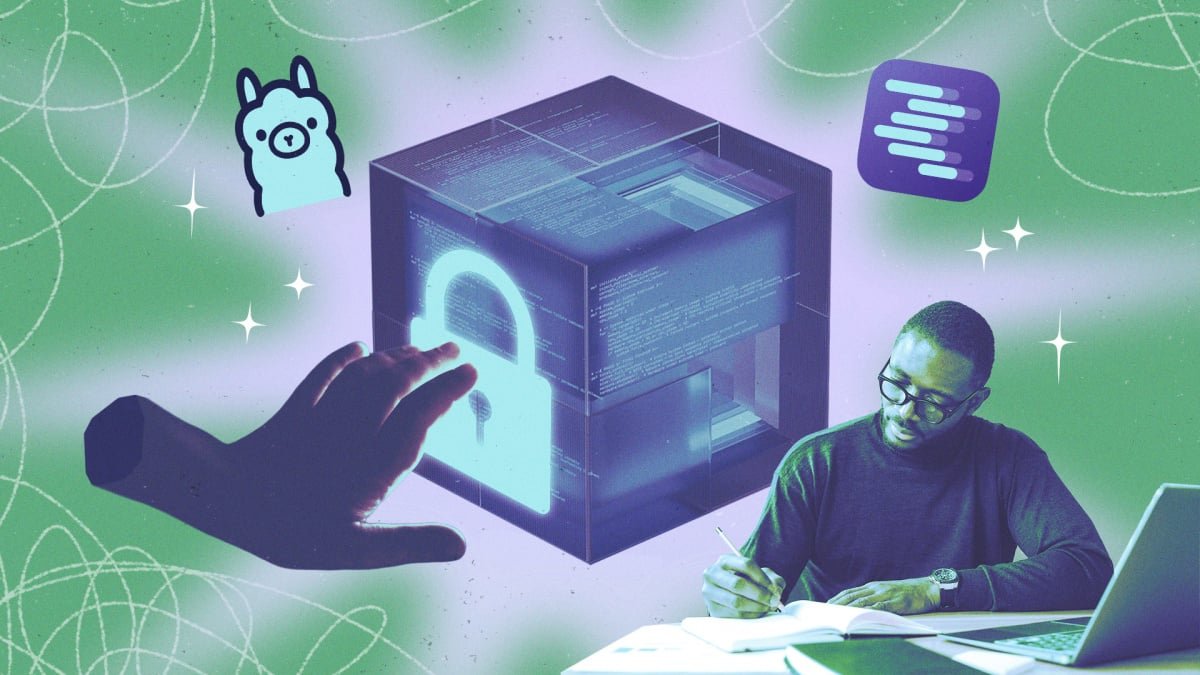

The Unseen Risks: Why Local AI Needs Your Security Vigilance
The allure of running Artificial Intelligence models locally is undeniable. It promises enhanced privacy and greater control, seemingly sidestepping the data concerns associated with cloud-based AI giants. While it’s true that local deployment puts you firmly in the driver’s seat regarding data governance and reduces exposure to large-scale corporate breaches, it also ushers in a new era of personal responsibility for cybersecurity. The multi-million dollar security apparatus of companies like OpenAI and Anthropic is no longer your shield. Your local AI setup’s resilience now rests squarely on your shoulders. This guide unveils critical security strategies to empower you in safeguarding your AI models running on your PC or private Virtual Private Server (VPS).
Is Local AI Truly Safer? Unpacking the Nuances
Deploying AI models on your hardware with platforms such as Jan, Ollama, or LM Studio inherently keeps your sensitive data—messages, documents, and chat histories—confined to your device. This is a significant advantage for those wary of AI companies monetizing personal data or the specter of credentials being compromised in a major data breach. Opting for local AI is a proactive step towards data sovereignty.
However, this local haven isn’t impenetrable. The models themselves are typically sourced from public databases, introducing a potential vector for compromise. Furthermore, for your AI to interact with other software or data, it may require access to various APIs over the public internet. A particularly insidious threat arises when operating on public Wi-Fi, where network-connected individuals could potentially exploit your operating system by targeting your AI setup. The landscape, as it turns out, is more complex than a simple “local equals safe” equation.
A stark reminder of these vulnerabilities emerged in January, when cybersecurity firms SentinelOne and Censys identified a staggering 175,000 publicly exposed Ollama hosts. These exposed systems were ripe for exploitation, allowing attackers with an internet connection to execute arbitrary code and leverage user credentials and hardware to access third-party services. Such incidents underscore the paramount importance of vigilance in model sourcing and access management when embracing local AI.
Essential Security Strategies for Your Local AI
1. Keep Your Model Server on Localhost
Inference engines like Ollama and LM Studio are the backbone of local AI, enabling models to load and execute on your hardware. By default, these runners are wisely configured to operate on localhost (127.0.0.1 or 0:0:0:0:0:0:0:1). This crucial default ensures that your AI model remains inaccessible to other devices on your local network or the broader internet.
The danger arises when this default is altered. Running your AI model on 0.0.0.0
opens access to *all* devices within your network. This means anyone connected to your shared Wi-Fi could potentially initiate your local AI setup, manipulate your hardware, or pilfer sensitive data. While some setup guides might suggest this configuration for multi-device access (e.g., from a smartphone or laptop), or when deploying on VPS or Network-Attached Storage (NAS) devices, it dramatically elevates your risk profile.
Actionable Steps:
- Ollama: Revert the
OLLAMA_HOSTvariable to127.0.0.1. - LM Studio: Ensure “Serve on Local Network” is toggled OFF.
- Jan: Navigate to Settings (gear icon on Hub interface), select Local API Server, and generate a robust API key using a tool like RandomKeygen.
2. Opt for a Private VPN Tunnel Over Port Forwarding
Exposing your AI model directly to your public IP address on the internet is a critical security misstep. Yet, the need to access your model remotely from other devices often arises. The common, but ill-advised, solution is port forwarding on your router. This method should *never* be employed for remote access to local AI models or runners.
Combining an 0.0.0.0 AI model configuration with port forwarding creates a gaping vulnerability. Any attacker on the internet who manages to guess your IP address could breach your local AI setup. Cybercriminals frequently deploy bot networks that relentlessly scan the internet for open ports on residential IPs, making you a prime target if you adopt this insecure practice.
The Secure Alternative:
Instead, establish an encrypted tunnel. Virtual Private Networks (VPNs) or Cloudflare ZTNA (Zero Trust Network Access) offer robust solutions. Mesh VPNs like Tailscale are highly recommended for their ease of use and secure connectivity, as is Cloudflare Zero Trust’s innovative Tunnel feature.
3. Update Your AI Runner Promptly
Software vulnerabilities are an unfortunate reality, and AI runners are no exception. Proactive patching is your first line of defense. A prime example is the “Bleeding Llama” vulnerability discovered by Cyera in May 2026 (note: assuming the year 2026 is as provided, though it might be a typo for 2024 or 2023). This critical flaw, with a CVSS rating of 9.3 out of 10, allowed attackers to steal data and credentials via unauthenticated API calls. It jeopardized approximately 300,000 publicly exposed Ollama servers until it was addressed in patch version 0.17.1.
AI runners like LM Studio, Ollama, and others are continuously refined and secured by their developers. Ignoring updates leaves you exposed to known vulnerabilities that attackers actively seek to exploit. Always apply patches and updates as soon as they become available to ensure your local AI environment remains fortified against the latest threats.
Conclusion
While local AI offers unparalleled control and privacy, it demands a heightened sense of cybersecurity awareness. By understanding the inherent risks and implementing these essential security practices—from configuring your server correctly to utilizing secure remote access methods and diligently updating your software—you can significantly strengthen your local AI defenses. Take ownership of your AI security, and enjoy the benefits of local processing with peace of mind.
For more details, visit our website.
Source: Link







Leave a comment