
For many enthusiasts, the dazzling rainbow animation is the quintessential ‘hello world’ of addressable RGB LED strips. While undeniably vibrant, relying solely on this kaleidoscopic display often undersells the true artistic potential of your LED projects. As Jason Coon of Evil Genius Labs, a pioneer in the field, aptly puts it, “If you refine your palette, you can create a far more impactful, more memorable effect.” This article, inspired by insights from leading innovators like Coon, Mark Kriegsman, and Dan Garcia, will guide you through leveling up the hues on your LED creations, transforming them from simple indicators to captivating works of light art.
The Art of Illumination: Why Basic RGB Falls Short
A single RGB LED is a marvel of miniaturization, comprising red, green, and blue emitters. However, setting it to a solitary primary color – say, pure blue – often results in a stark, almost ‘acidic’ appearance. Think of the uninspired indicator light on your router; it’s functional but lacks character. The simplest yet most effective way to imbue your project with personality is through judicious color mixing.
Mixing for Richness
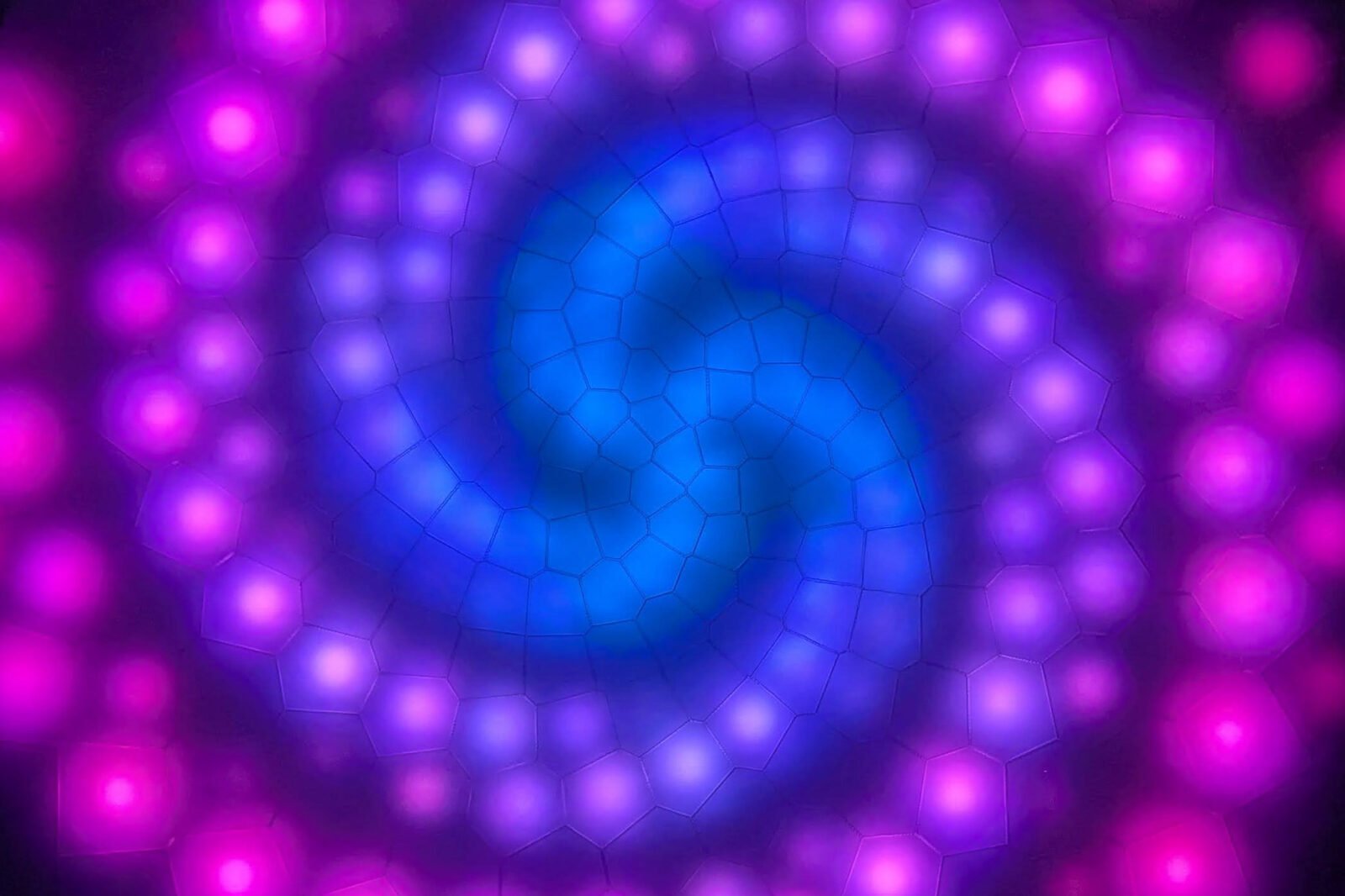
By introducing even a small amount of a second primary color, you instantly elevate the aesthetic. For instance, adding a touch of red to blue transforms it into a more nuanced, intriguing purple. This blending of primaries softens the often-harsh ‘neon’ quality of single-color output, creating a richer, more sophisticated visual experience.
The Science of Sight: How We Perceive Light
Understanding human visual perception is crucial for effective LED design. Our eyes perceive light logarithmically, meaning we are remarkably adept at discerning subtle changes in dim light, yet the same incremental increases in bright light often go unnoticed. This physiological quirk has significant implications for color mixing.
Less Can Be More
When crafting your color blends, a minuscule adjustment at the lower end of the intensity spectrum (e.g., from 0 to 10) can produce a dramatic visual shift. Conversely, a change from full intensity (255) to 254 is virtually imperceptible. This principle underscores the power of subtle manipulation, particularly in darker tones, to create profound differences in your LED’s output.
Crafting Mood and Message: Choosing Your Color Story
While the rainbow has its place (especially for costumes!), the world of color offers an infinite tapestry of motifs. Your choice of palette can profoundly influence the mood and message of your project.
Warm vs. Cool Tones
- Cool Tones: Blues, greens, and purples evoke serenity, futuristic vibes, or a calming atmosphere. They can be perfect for ambient lighting or tech-inspired displays.
- Warm Tones: Reds, oranges, and ambers demand attention, radiating energy, warmth, and passion. They can mimic the glow of a campfire, the allure of lanterns, or perfectly accent a steampunk creation without feeling out of place.
Harmonious Pairings
For a powerful visual punch that remains harmonious, consider pairing complementary colors – those opposite each other on the color wheel, like vibrant oranges with deep blues. If a more subdued, cohesive look is desired, opt for analogous colors, which sit close together on the color wheel, creating a gentle, flowing transition.
Streamlining Your Workflow: Software for Sophisticated Palettes
While hand-coding RGB values (0-255) is always an option, modern software libraries and applications offer powerful shortcuts, saving countless hours and opening up new creative avenues.
- FastLED (fastled.io) & Adafruit CircuitPython: These popular libraries for Arduino and CircuitPython, respectively, come with built-in color names. Imagine typing
color::goldenrodand instantly having that rich hue at your disposal. - WLED (kno.wled.ge): This user-friendly app simplifies color selection, allowing you to tap primary and secondary colors directly on your device. Both WLED and FastLED boast impressive demo palettes, showcasing expertly curated color combinations.
- Pixelblaze (electromage.com): Renowned for its excellent starter animations, including some of the most realistic fire effects available, Pixelblaze also features a vast library of user-created effects. Its real-time editor allows for immediate previewing of changes, fostering rapid experimentation.
Your Signature Glow: Customizing Beyond Presets
While the presets and demo palettes offered by these tools are fantastic starting points, true mastery lies in personalization. Think of them as a launchpad, not the destination. As the article humorously suggests, you wouldn’t want to show up at a party wearing the same code as everyone else!
You’ve invested time and effort into your LED hardware; dedicating a little extra attention to crafting a unique software palette is where your project truly begins to dazzle. Experiment, combine, and tweak until your LED display reflects your unique vision, moving far beyond the simple rainbow into a realm of sophisticated, memorable illumination.
Resources for Deeper Dive:
- Explore color theory fundamentals at Flux Academy.
- Learn more about tertiary, monochromatic, and analogous colors.
- Utilize Adobe’s free web app to create palettes or extract them from images.
Article content and project examples by Jason Coon. This article originally appeared in Make: Volume 96.
For more details, visit our website.
Source: Link