
In an increasingly digital world, safeguarding our cherished memories, streamlining collaboration, and even curating our own media libraries are paramount. This is where Network-Attached Storage (NAS) devices shine, acting as versatile home servers that supercharge your network and liberate your primary devices from heavy lifting.
After extensive, months-long evaluations, focusing on solutions ideal for families seeking robust backup strategies and aspiring media server enthusiasts, I’ve distilled the market to the top contenders. This guide presents the NAS devices that truly stand out.
For deeper dives, consider exploring our complementary guides: How to Set Up an NAS Server,
How to Back Up Your Digital Life
, and The Best External Hard Drives.
Why Invest in a NAS Server?
A NAS isn’t just another gadget; it’s the central hub for your digital life. Imagine a private cloud, accessible from anywhere, where all your photos, videos, documents, and music reside securely. Beyond simple backups, a NAS facilitates seamless file sharing among family members, provides a platform for home surveillance, and can even host your personal streaming service, potentially reducing reliance on costly subscriptions. It’s about control, convenience, and peace of mind.
Our Top NAS Recommendations
Synology DiskStation DS225+
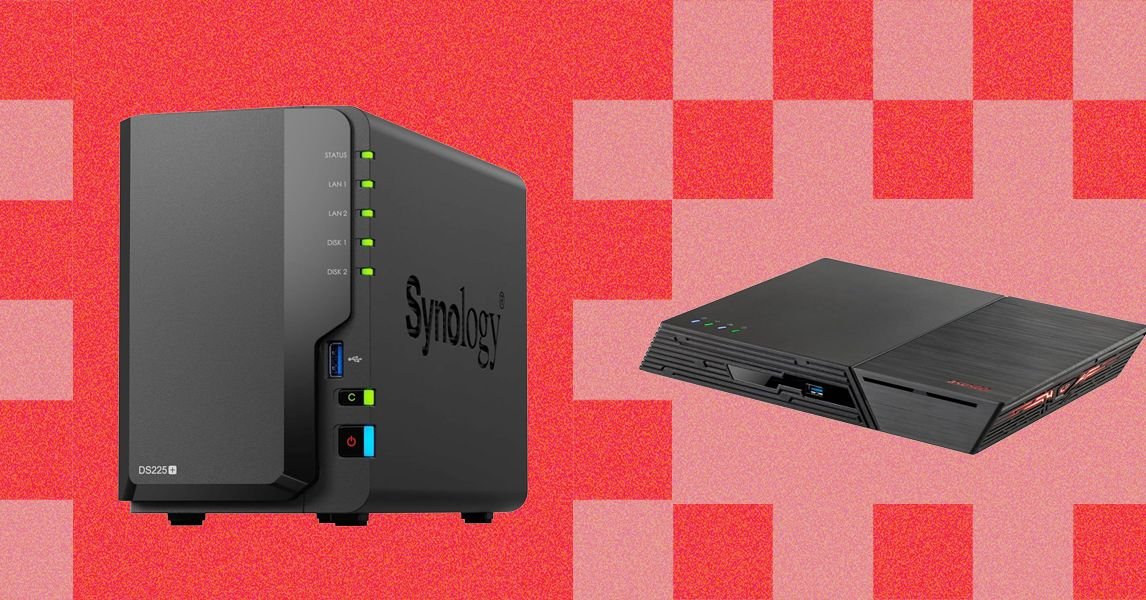
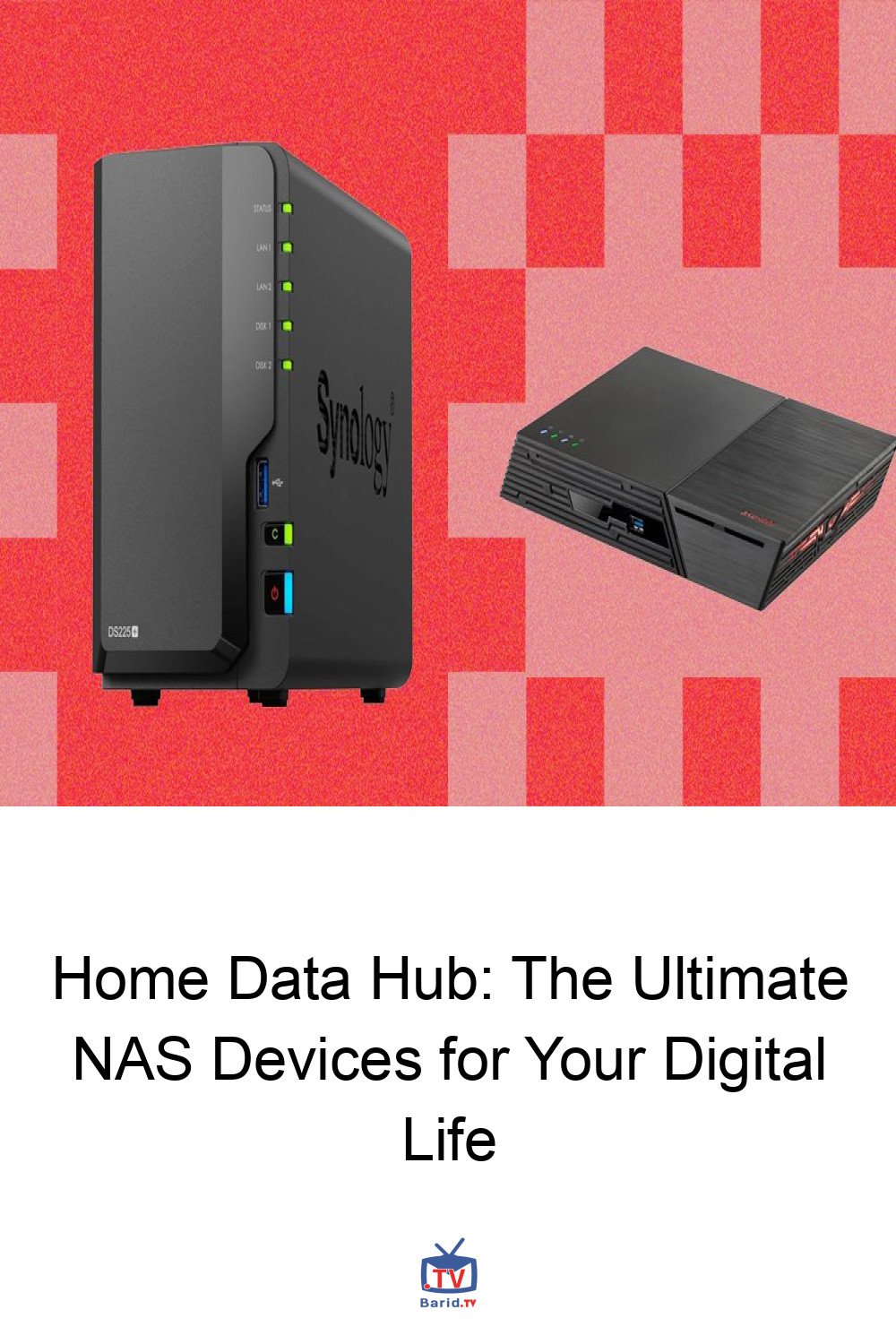
Synology continues to dominate the NAS landscape, and the two-bay DiskStation DS225+ is a prime example of why. Perfectly suited for the average home user, this device consistently delivered exceptional performance in our rigorous tests, often hitting read speeds of 300 MB/s and write speeds of 250 MB/s. Even on a 1 Gbps network, it maintained a respectable 100 MB/s, proving its efficiency.
Hardware-wise, it’s a powerhouse: an Intel Celeron J4125 quad-core processor, 2 GB of RAM (expandable to 6 GB), and capacity for two drives totaling up to 40 TB. Its compact, quiet design and screwless drive trays make installation a breeze. Synology’s renowned DiskStation Manager (DSM) software, accessible via web interface and mobile apps, offers an unparalleled user experience and a vast ecosystem of first- and third-party applications, including popular media servers like Plex and Jellyfin. From flexible backup options to VPN server capabilities and robust security camera support, the DS225+ is incredibly versatile.
However, this premium experience comes at a cost. Synology devices are generally more expensive, and users must supply their own drives. A recent, albeit reversed, policy to restrict third-party drives was a minor concern, but thankfully, flexibility has been restored. The absence of an HDMI port might be a drawback for those wishing to connect directly to a TV. For users needing more storage, the Synology DiskStation DS425+ offers four bays.
Synology BeeStation Plus
For those prioritizing simplicity and automatic network backups without the need for extensive configuration, the Synology BeeStation Plus offers an all-in-one solution with included storage. While its performance is moderate, its ease of setup and use, coupled with a capable photo app featuring face recognition, makes it an attractive option for straightforward data protection. Note that current prices are influenced by the global AI-driven storage shortage.
The standard Synology BeeStation, offering 4 TB of storage, presents a more budget-friendly alternative. While both BeeStation models excel in user-friendliness, more feature-rich NAS devices often provide greater value for money.
Synology’s extensive product line also includes powerful business-grade systems, as well as routers and security cameras, though the latter were not part of this review.
Ugreen NASync DH4300 Plus
Ugreen, a brand traditionally known for charging accessories and mobile storage, has made an impressive entry into the NAS market with its four-bay NASync DH4300 Plus. This device offers an exceptionally affordable route to high-capacity storage, supporting up to 128 TB (drives sold separately). While not the fastest in our benchmarks, its performance is perfectly adequate for most users after initial setup, delivering 100 MB/s on a 1-Gbps network and up to 200-300 MB/s with compatible network gear.
Connectivity is robust, featuring a 2.5-Gbps Ethernet port, two USB-A ports, one USB-C port, and a welcome HDMI port. Powered by a Rockchip processor with 8 GB of non-upgradeable DDR4 RAM, it boasts a compact, quiet design with convenient top-loading bays. Setup was as intuitive as our top pick, making it an excellent starter NAS for those who prefer minimal fuss. While its app ecosystem isn’t as vast or polished as Synology’s, it capably handles core functions like photo organization, sharing, and media streaming via Jellyfin, getting you up and running quickly.
Conclusion
Choosing the right NAS device depends on your specific needs, whether it’s robust backups, a personal media cloud, or a versatile home server. Synology’s DiskStation DS225+ offers a premium, feature-rich experience for those willing to invest, while the BeeStation caters to ultimate simplicity. Ugreen’s NASync DH4300 Plus emerges as a strong contender for budget-conscious users seeking high capacity and essential features. Whichever you choose, a NAS is a powerful addition to any modern home network, providing control and security over your digital assets.
For more details, visit our website.
Source: Link