
The Apple Watch has firmly established itself as an indispensable companion for health and fitness enthusiasts. Beyond its basic tracking capabilities, a wealth of lesser-known features and settings can significantly enhance your workout experience and provide deeper insights into your health data. As an expert English journalist, I’ve compiled a guide to these essential fitness hacks, designed to help every Apple Watch user unlock their full potential.
Optimizing Your Activity Goals and Tracking
1. Embrace Dynamic Activity Goals and Rest Days
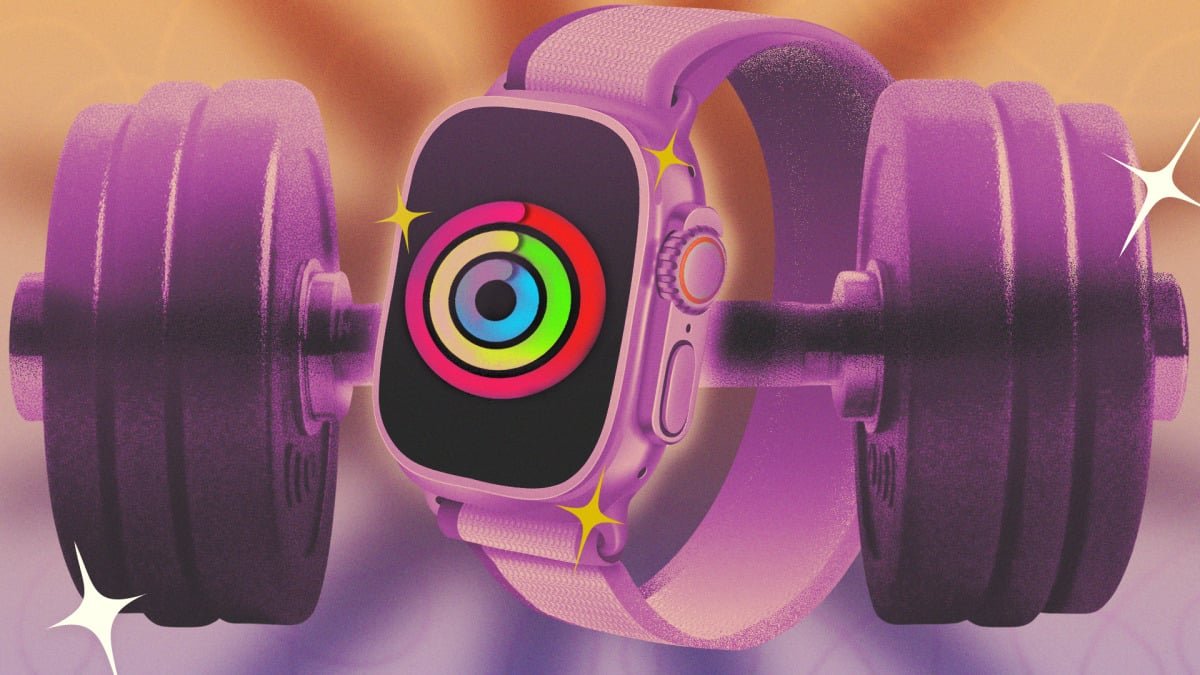
The iconic Move, Exercise, and Stand rings are central to the Apple Watch’s fitness ecosystem. While setting ambitious daily targets is motivating, true progress often requires flexibility. The Fitness app now allows you to customize these goals, not just by adjusting numerical targets but also by scheduling specific “rest days” or lighter activity days throughout your week. Navigate to the Fitness app, tap the Activity Rings card, and use the “+/-” icon next to each goal to create a personalized weekly schedule. This adaptive approach acknowledges the importance of recovery, preventing burnout and promoting sustainable fitness habits. You can also make temporary adjustments for specific days, such as lowering your Stand goal during travel.
2. Strategic Watch Placement for Enhanced Accuracy
While designed for wrist wear, the Apple Watch’s versatility extends beyond its default position. For activities involving intense wrist flexion or equipment like kettlebells and wrist wraps, consider relocating your Watch to your upper arm. Similarly, if your daily routine includes extensive use of a standing desk, wearing the Watch on your ankle can ensure more accurate step tracking. These alternative placements often require an extra-long watch band, readily available from various retailers, ensuring comfort and data integrity during diverse physical activities.
3. Streamline App Navigation with List View
Mid-workout, fumbling with tiny app icons can be a frustrating distraction. A simple yet powerful hack can significantly improve usability: switch your app view to ‘List View’. Press the Digital Crown to access your apps, then scroll to the bottom and select ‘List View’. This transforms the clustered grid into an alphabetized list with app names alongside their icons, making it far easier to accurately tap and access essential apps like Workout, Music, or third-party trackers without breaking your stride or focus.
Advanced Data Insights and Workout Customization
4. Consolidate Your Health Data with Third-Party Dashboards
Apple Watch gathers a treasure trove of health and fitness data, yet its native apps (Fitness and Health) don’t always present a unified, user-friendly dashboard. This is where third-party applications excel. Apps like Bevel (and alternatives such as Athlytic) aggregate your data, offering comprehensive recovery scores and insights akin to dedicated fitness trackers like Whoop or Oura. Bevel, notably, provides a robust free tier, allowing users to experience advanced data visualization and analysis without immediate commitment, empowering you to make more informed decisions about your training and recovery.
5. Master Your Training with Custom Interval Workouts
The Apple Watch’s Workout app has evolved into a sophisticated training tool. Beyond simple start-and-stop tracking, it now supports highly customizable interval workouts. Within the Workout app, under the ‘Workouts’ tab, tap the small timer icon next to your chosen workout type. This allows you to program specific intervals, setting durations for work and rest periods, or even creating workouts of a precise length. While this can be done directly on the Watch, setting up complex intervals is often more convenient via your iPhone, with Apple providing clear instructions for seamless integration.
6. Challenge Yourself with the Race Route Feature
For runners and cyclists who frequent the same routes, the ‘Race Route’ feature offers an engaging way to track progress and push your limits. After completing a route twice, your Apple Watch automatically generates a ‘Race Route’. Access this feature within the Workout app by selecting a Run or Cycle workout and tapping the timer icon. You can then choose to race against your personal best time or your most recent performance on that specific route. During your activity, the Watch provides real-time feedback, indicating whether you’re ahead or behind your chosen pace, transforming familiar paths into dynamic personal challenges.
Beyond the Watch: iPhone-Powered Fitness Tracking
7. Track Workouts Even Without Your Apple Watch
A significant enhancement in recent iOS updates allows the Fitness app on your iPhone to track workouts independently of your Apple Watch. If you’ve left your Watch at home, or simply prefer to go without it for a particular session, your iPhone can still record your activity. Simply open the Fitness app, navigate to ‘Workouts’, and select your desired activity type. For outdoor workouts like runs, your phone’s GPS will track distance and pace. For indoor activities, the app logs duration and provides an estimated calorie burn, allowing you to rate your effort and ensure your activity contributes to your overall fitness goals.
By leveraging these advanced features and embracing a more personalized approach to your fitness tracking, your Apple Watch can become an even more powerful ally in your journey towards optimal health and performance. Explore these hacks and tailor your Apple Watch experience to perfectly match your unique fitness aspirations.
For more details, visit our website.
Source: Link