
Apple’s Latest: iOS 26.2.1 Arrives, Paving the Way for AirTag 2
Apple has just rolled out its newest operating system update for iPhones, iOS 26.2.1, and users with compatible devices are encouraged to update immediately. While seemingly minor in description, this update is crucial for those looking to leverage Apple’s recently announced second-generation AirTags.
Unlocking the Power of AirTag 2
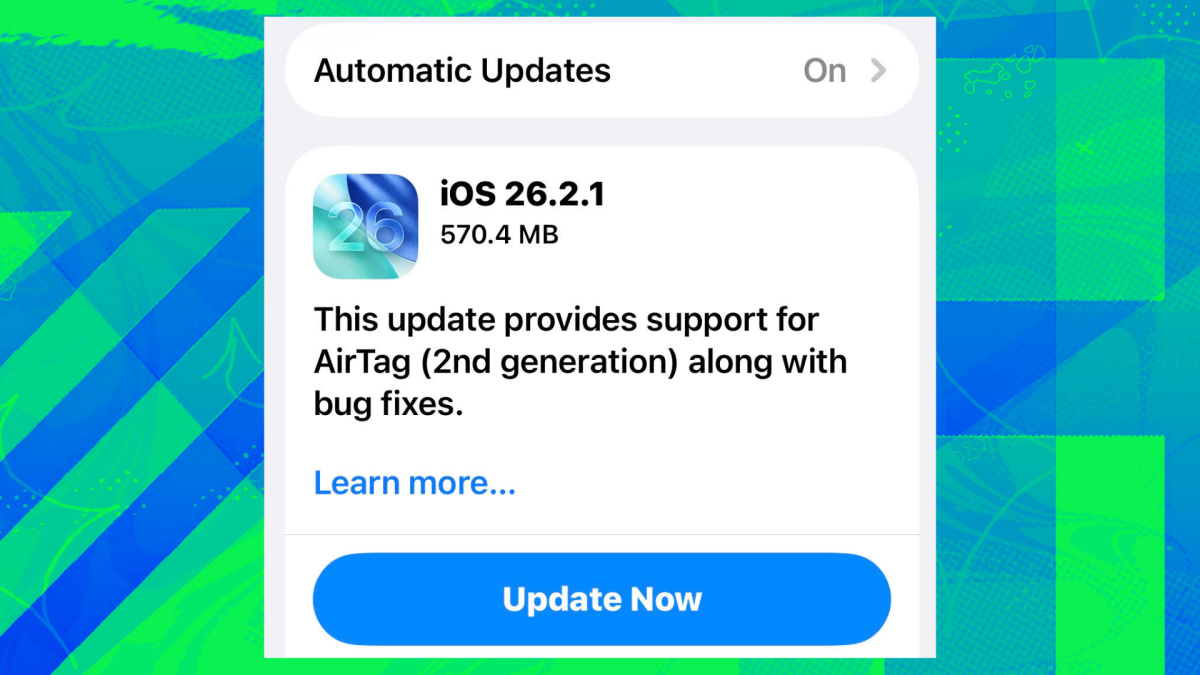
The official release notes for iOS 26.2.1 are remarkably succinct: “This update provides support for AirTag (2nd generation) along with bug fixes.” This concise statement, however, belies the significance of the update for anyone planning to acquire the new AirTag 2.
After months of anticipation and speculation, Apple recently unveiled the AirTag 2. These next-generation trackers boast several key enhancements over their predecessors, including a louder speaker for easier location and an expanded range for broader coverage. Perhaps most impressively, Apple has refined its precision-tracking features, promising to guide you to your misplaced items with foot-by-foot accuracy. To fully utilize these advanced capabilities, upgrading to iOS 26.2.1 is essential.
For those considering a purchase, the AirTag 2 maintains the same price point as the original 2021 version, though the first-generation AirTags are currently available at a discount on Amazon.
Beyond AirTag: What Else Does 26.2.1 Bring?
Typically, operating system updates are accompanied by vital security patches, making immediate upgrades a standard recommendation. Curiously, iOS 26.2.1 breaks from this norm, with Apple’s notes making no mention of any security fixes.
Despite the absence of security updates, Apple confirms that iOS 26.2.1 does include various bug fixes. While the specifics aren’t detailed in the official release, community experts like @onejailbreak_ are already providing in-depth analyses of the underlying tweaks. It’s hoped that these adjustments will smooth out some of the reported issues with “Liquid Glass” and iOS 26, potentially addressing persistent battery drain complaints that have plagued users since the controversial “Liquid Glass” feature’s introduction.
For users seeking more substantial changes, Apple has also made the iOS 26.3 public beta 3 available, offering a glimpse into future enhancements.
How to Update Your iPhone to iOS 26.2.1
Updating your device is a straightforward process:
Open your iPhone‘s
Settings app.
- Tap on General.
- Select Software Update.
- You will then be presented with options to Update Now or schedule the update for a later, more convenient time (e.g., overnight).
Ensure your device is connected to Wi-Fi and has sufficient battery life or is plugged into power before proceeding with the update.
For more details, visit our website.
Source: Link