



No products in the cart.
General December 26, 20252 Mins read21
iOS 26.2: Apple Rolls Back Liquid Glass on Lock Screen with New Customization Options
 December 26, 20252 Mins read21
Share
Introduction to iOS 26.2 and Liquid Glass
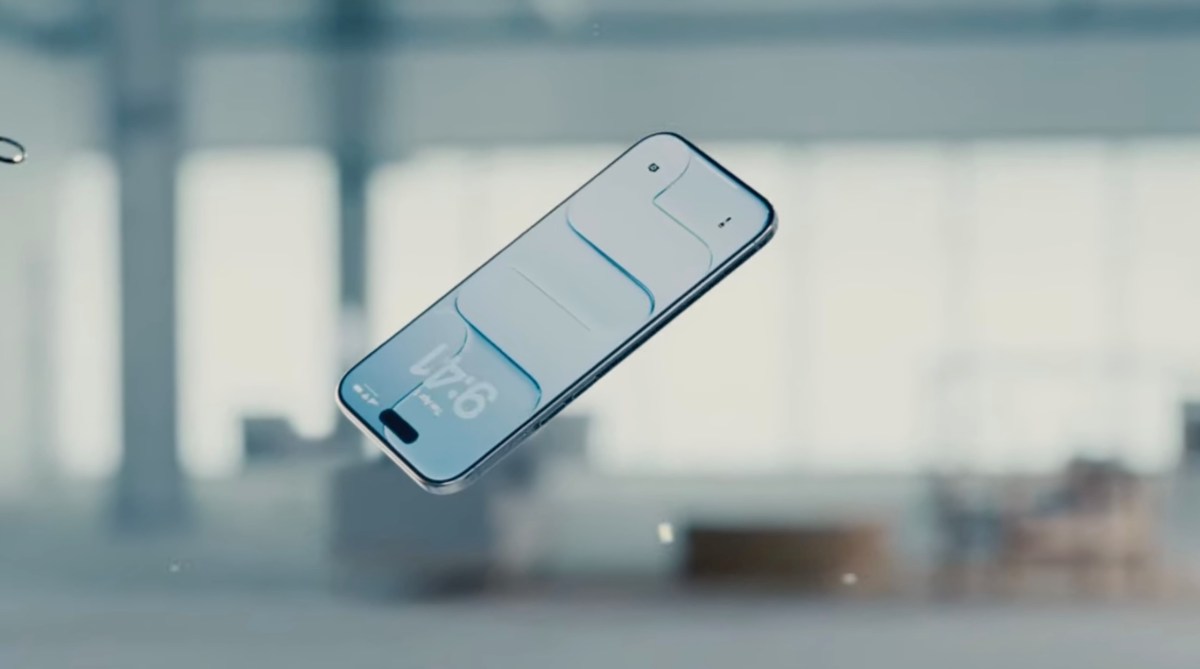
With the recent release of iOS 26.2, Apple has once again let users roll back the Liquid Glass feature, this time on the lock screen. This update comes after a previous version introduced changes that not all users were fond of, prompting Apple to revisit and provide more customization options. The new update allows users to control the transparency of the clock on their lock screen, offering a more personalized experience.
What is Liquid Glass and Its Evolution
Liquid Glass, a design feature introduced by Apple, aims to provide a sleek and modern look to iOS interfaces. However, since its introduction, there has been a mixed bag of reactions from users. Some appreciated the aesthetic appeal, while others found it less practical or distracting. In response to user feedback, Apple has been making adjustments, including the ability to adjust or completely roll back certain aspects of Liquid Glass.
Key Features of iOS 26.2 Update
- Liquid Glass Slider for Lock Screen’s Clock: Users can now customize the transparency of the clock on their lock screen, giving them more control over the look and feel of their device.
- Offline Lyrics in Apple Music: Enhancing the music experience, iOS 26.2 allows users to access song lyrics even when they’re offline.
- Screen Flash for Notifications: Users can set their screen to flash for notifications, a feature that can be particularly useful in certain situations or environments.
How to Switch Liquid Glass Back to the Old Style
For those looking to switch back to the old style or customize their Liquid Glass experience, iOS 26.2 makes it straightforward. Users can navigate to Settings > Display and Brightness > Liquid Glass to find the toggle that controls the feature. Additionally, for the lock screen, the clock transparency can be customized, providing a more tailored user experience.
Other Notable Features and Updates in iOS 26.2
the adjustments to Liquid Glass, iOS 26.2 brings a host of other features and updates aimed at enhancing the user experience. From improvements in Apple Music to more personalized settings, the update is designed to make the iPhone more intuitive and enjoyable to use.
Conclusion
iOS 26.2 represents Apple’s ongoing effort to balance innovation with user preference. By listening to feedback and incorporating changes like the ability to roll back Liquid Glass on the lock screen, Apple demonstrates its commitment to providing a customizable and satisfying user experience. As technology continues to evolve, updates like iOS 26.2 will play a crucial role in ensuring that devices remain relevant and appealing to their users.
FAQ
- Q: How do I update my iPhone to iOS 26.2?
A: To update, go to Settings > General > Software Update. If the update is available, you can download and install it from there.
- Q: Can I really roll back Liquid Glass on my lock screen?
A: Yes, with iOS 26.2, you can control the transparency of the clock on your lock screen, effectively rolling back or customizing the Liquid Glass feature to your liking.
- Q: Are there other significant features in iOS 26.2 besides the Liquid Glass updates?
A: Yes, iOS 26.2 includes several other features and updates, such as offline lyrics in Apple Music and the option to set your screen to flash for notifications.








Leave a comment