



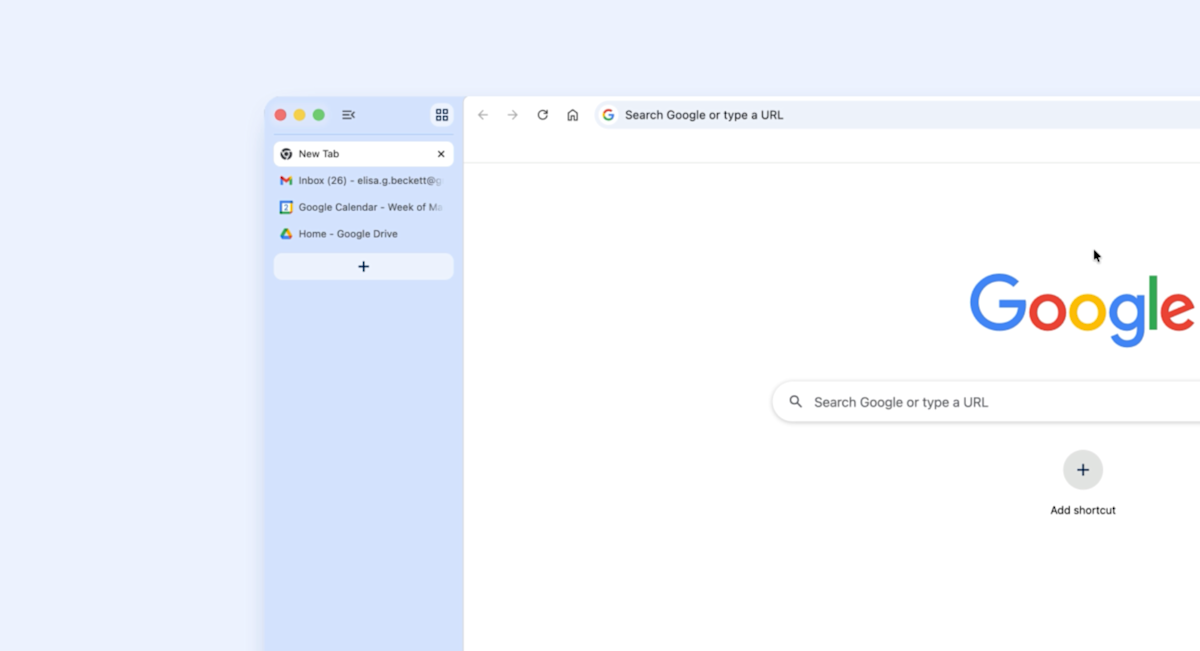

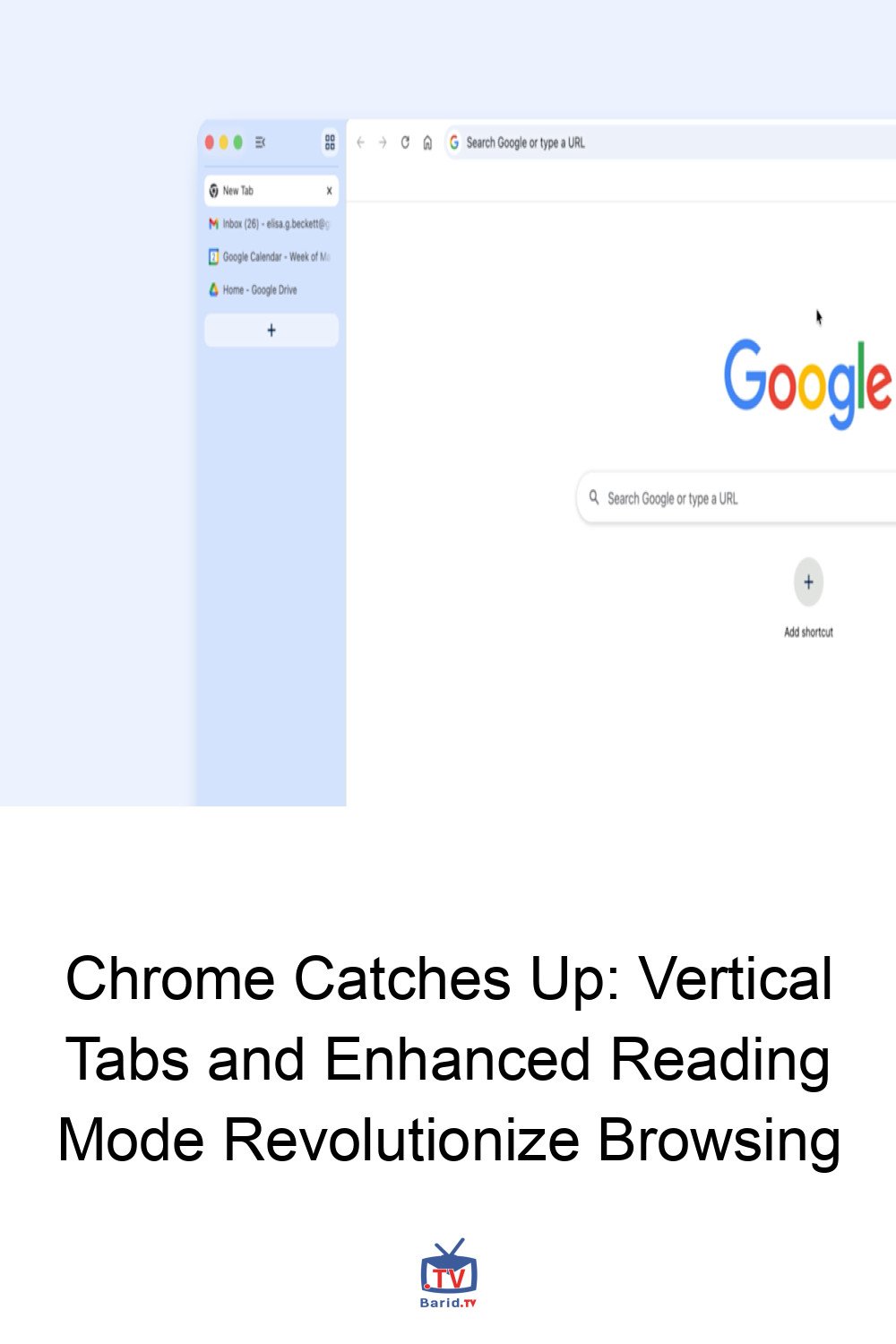
For years, power users and multi-taskers have yearned for better tab management in Google Chrome. While competitors offered innovative solutions, Chrome remained steadfastly horizontal. That era is finally over. Google has begun rolling out a significant desktop update, introducing long-awaited vertical tabs and an enhanced reading mode designed to declutter your digital experience.
A New Dimension for Tab Management: Vertical Tabs Arrive
The days of endlessly scrolling through a cramped horizontal tab bar are drawing to a close. Chrome’s latest update introduces a sleek, vertical interface for organizing your open webpages. This seemingly small change promises a dramatic improvement in usability, especially for those who juggle dozens of tabs simultaneously.
How to Enable Vertical Tabs
Activating this new feature is straightforward. Simply right-click on any open Chrome window, and you’ll now find the option to “Show Tabs Vertically.” Once enabled, your tabs will elegantly stack along the side of your browser, offering a clearer overview and easier navigation.
Catching Up to the Competition
While a welcome addition, it’s worth noting that Google is playing catch-up in this arena. Most other major browsers have offered vertical tab support for some time, albeit with varying degrees of success. Firefox, for example, integrated vertical tabs with its 136 update last March, providing what many consider a superior interface for managing numerous open pages. Apple’s Safari also offers a vertical stacking option, though its implementation can sometimes lead to confusion with its diverse webpage grouping features.
Introducing the Enhanced Reading Mode: Focus on Content
Beyond tab organization, Google is also rolling out an enhanced reading mode. This feature aims to combat the visual noise of busy webpages, presenting content in a clean, distraction-free full-page interface. To activate it, right-click on any page and select “Open in reading mode.” It’s an invaluable tool for anyone looking to focus purely on the text without advertisements, sidebars, or other elements vying for attention.
Patience is a Virtue: Rollout Details
As is typical with Chrome updates, the rollout will be gradual. If you don’t see these new features immediately, don’t fret. It may take a few days for the update to reach your device. Keep an eye out for these productivity-boosting additions to your browsing experience.
For more details, visit our website.
Source: Link








Leave a comment