





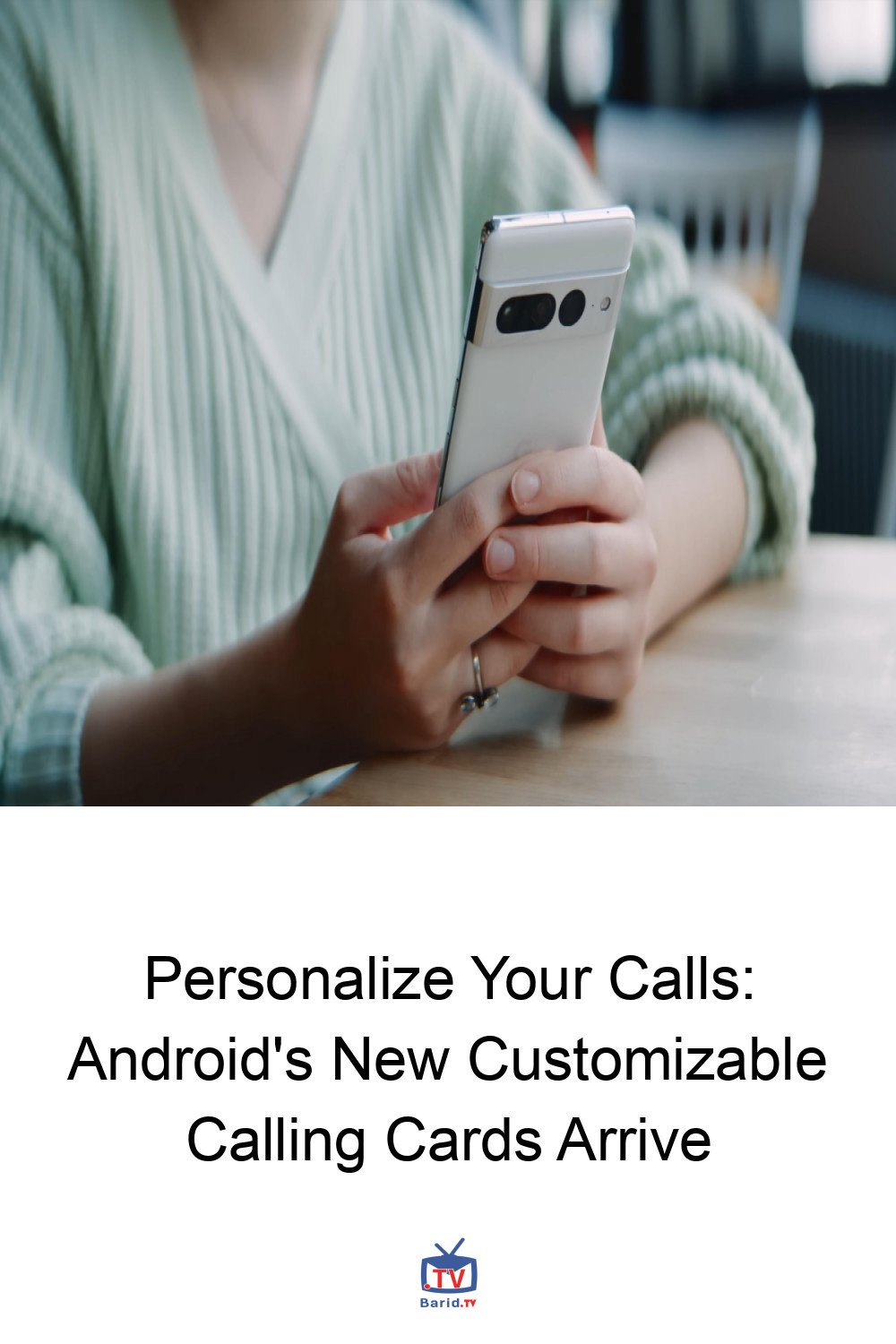
Elevate Your Caller ID: Android Unveils Customizable Calling Cards
Android users, get ready to transform how your calls appear to friends, family, and colleagues! Google is rolling out a significant upgrade to its Phone app’s Calling Cards feature, empowering you to personalize your caller ID with custom photos, fonts, and colors. This exciting development brings Android’s call personalization capabilities closer to the robust options seen on iOS, allowing you to make a distinct impression with every outgoing call.
From Incoming to Outgoing: The Evolution of Calling Cards
first introduced Calling Cards to the Phone app last year, primarily focusing on incoming calls. This initial iteration allowed users to manually craft full-screen cards for individual contacts, complete with photos and personalized text, which would display on their device when those contacts called them. While a neat touch, it lacked the ability for users to create their
own broadcastable card for outgoing calls.
The latest update changes that entirely. Now, you have the creative freedom to design your personal Calling Card. Choose a striking photo, add text, and customize it with a variety of fonts and font colors. This bespoke card will then be visible to recipients when you call them—and you can choose whether your custom card is sent to everyone you call or exclusively to those already in your contacts list.
Getting Started with Your Personalized Calling Card
Once this update reaches your device, keep an eye out for a prominent pop-up on the Home tab of your Google Phone app. It will prompt you to “Create your calling card.” Tapping “Get Started” will guide you through linking your Google Account, after which you can dive into the customization process. Select your preferred photo, add your desired text, and configure your sharing preferences.
Should you wish to refine your design or remove your custom Calling Card at any point, the option remains readily accessible. Simply navigate to Settings > Calling card within the Google Phone app to make any adjustments.
Android Catches Up: A Nod to iOS’s Contact Poster
For those familiar with the Apple ecosystem, this new Android feature will undoubtedly draw comparisons to iOS 17’s Contact Poster. Since its launch, iPhone users have enjoyed the ability to send highly customized calling cards to other iPhone users. Apple’s Contact Poster offers an even broader palette of design choices, including photos, Memojis, Monograms, and extensive customizable text and background options. While Android’s initial offering might be slightly more streamlined, it marks a significant step forward in personalizing the core communication experience for its vast user base.
This update is more than just a cosmetic change; it’s about giving users more control over their digital identity and making every call a little more personal and engaging. Stay tuned for the rollout and start designing your unique calling presence!
For more details, visit our website.
Source: Link







Leave a comment