
The Rise of the Desperate Ping: Why Your Apps Can’t Let Go
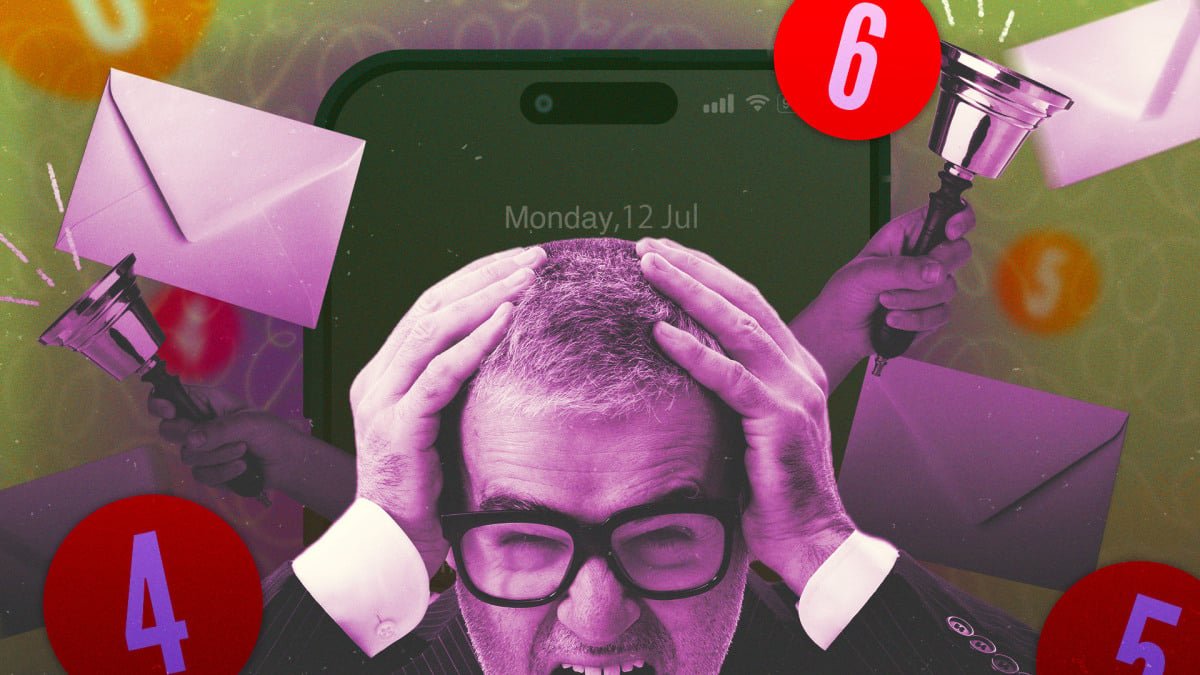
It starts subtly. A friend messages you on Facebook Messenger, and you swipe it away, intending to reply later. Ten minutes pass, and your phone buzzes again: “Reminder: [Your friend] sent you a message.” This isn’t just an alert; it’s a digital plea, a clingy whisper from an app desperate for your attention. And it’s not an isolated incident.
In recent months, a new breed of notification has emerged – what can only be described as ‘desperation pings.’ These aren’t urgent alerts or crucial updates; they are thinly veiled attempts to lure you back into an app, to boost engagement metrics, and to remind you that, yes, they still exist. The examples are as varied as they are vexing:
- Disney
+
, after you’ve just finished a Simpsons marathon, suggests you might enjoy The Simpsons Movie (which you also just watched). - Discord informs you that someone in a server you share has updated their status – a detail of questionable relevance.
- Venmo, ever the helpful financial assistant, suggests funding a Kalshi account with your balance, despite you having no such account.
- Reddit begins pushing news stories from communities you’ve never visited or subscribed to, casting a wide net for your eyeballs.
- Duet, a dating app, barrages you with half a dozen notifications within minutes of closing it, including the surprisingly exasperated “She just likes you.”
- GrubHub asks if you want to order food, precisely five minutes after you’ve already placed an order.
Some of these are transparent advertisements, a nuisance in their own right. But many others are simply digital nudges, a gentle (or not-so-gentle) reminder that an app is there, waiting, hoping you’ll open it and contribute to its engagement numbers.
The Attention Economy: Why Every Click Counts
While the frustration of these ‘vibes-based annoyances’ is palpable, there’s concrete data to back up the feeling that companies are increasingly vying for your notification attention. A 2025 analysis by the Reuters Institute for the Study of Journalism highlighted how news publishers, in a bid to reduce reliance on platforms like Google and social media, have ramped up their use of push notifications to reach audiences directly.
However, this direct approach comes at a cost, fueling an escalating ‘attention arms race’ with platforms. The Reuters report revealed a stark reality: 79% of respondents receive no news alerts at all, with 43% of those actively disabling notifications. To compound the issue, both iOS and Android have experimented with AI-summarized notifications, which, while intended to help, often add another layer of annoyance.
This report, though focused on news, illustrates a broader trend. We live in an attention economy where every industry, no matter how disparate, competes for your focus. This is why Netflix invests in video games, and the gaming industry finds itself battling for screen time against gambling sites and adult content. In this high-stakes environment, your notification tray becomes the frontline in the battle for your attention.
It’s not rocket science to suggest that a fan of The Simpsons might enjoy The Simpsons Movie. But if a quick notification can sway you to watch more Disney+ today instead of playing another game, that’s a win for Disney. And in a broadly struggling economy, any marginal increase in engagement – even a mere 5% – is a victory worth pursuing. Sending more notifications is often one of the cheapest and easiest ways for companies to inflate those crucial internal metrics.
Reclaiming Your Digital Serenity: How to Tame the Notification Beast
The good news amidst this notification onslaught is that you’re not powerless. A wealth of tools, both built into your smartphone‘s operating system and available through third-party apps, can help you regain control and enforce some much-needed digital peace and quiet.
Leverage Your Phone’s OS-Level Notification Settings
Both Android and iOS offer robust, granular controls to dictate what kind of alerts you receive and how disruptive they can be. While comprehensive guides exist for managing notifications on Android and iOS, you don’t need to dive deep into complex menus right away. You can gradually whittle down the most annoying alerts as they arrive.
Android: Quick Tweaks and Deep Dives
On Android, a simple long-press on a notification in your shade will often reveal immediate options to tweak or suppress future alerts. Many notifications can be categorized into ‘Priority,’ ‘Default,’ or ‘Silent,’ each behaving differently based on your phone’s overall settings. For more detailed control, tapping the ‘Settings’ gear icon will take you directly to the app’s specific notification settings, allowing you to disable entire categories of alerts. These options vary by app, but in many cases, you can disable entire categories of alerts, such as marketing promotions while keeping essential messages.
For more details, visit our website.
Source: Link