
In the dynamic world of digital fabrication, the promise of making complex designs a reality often comes with a steep learning curve. Enter the Makera Carvera Air, a CNC milling machine that aims to bridge this gap, making precision machining more accessible than ever before. Reviewed initially in 2024, our extended time with a production unit has only deepened our appreciation for Makera’s concerted effort to simplify the intricate process of CNC milling.
Simplifying the Workflow: Makera CAM
At the heart of the Carvera Air’s user-friendliness lies Makera CAM, a proprietary application designed to streamline the transformation of 3D models into machine-readable G-code. While the Carvera Air is compatible with G-code generated by industry-standard software like Fusion 360, Makera CAM offers a distinctly simpler, faster learning path. This ease of entry is a significant boon for newcomers, drastically reducing the initial intimidation often associated with CAM software.
The Trade-offs of Simplicity
However, simplicity often comes with its own set of compromises. Makera CAM, with its limited array of machining strategies, can result in longer cutting times compared to more advanced software. Yet, this is somewhat mitigated by an impressively comprehensive built-in library of feeds and speeds, offering invaluable guidance for optimal material removal. The journey to making CNC as effortless as 3D printing is still ongoing; Makera is perhaps where 3D printing slicers were a decade ago, requiring a foundational understanding of parameters. A notable frustration is the lack of offline functionality for Makera CAM, and while initial machining time estimates were inaccurate, subsequent updates during our review period brought significant improvements.
Unlocking New Dimensions with the 4th Axis
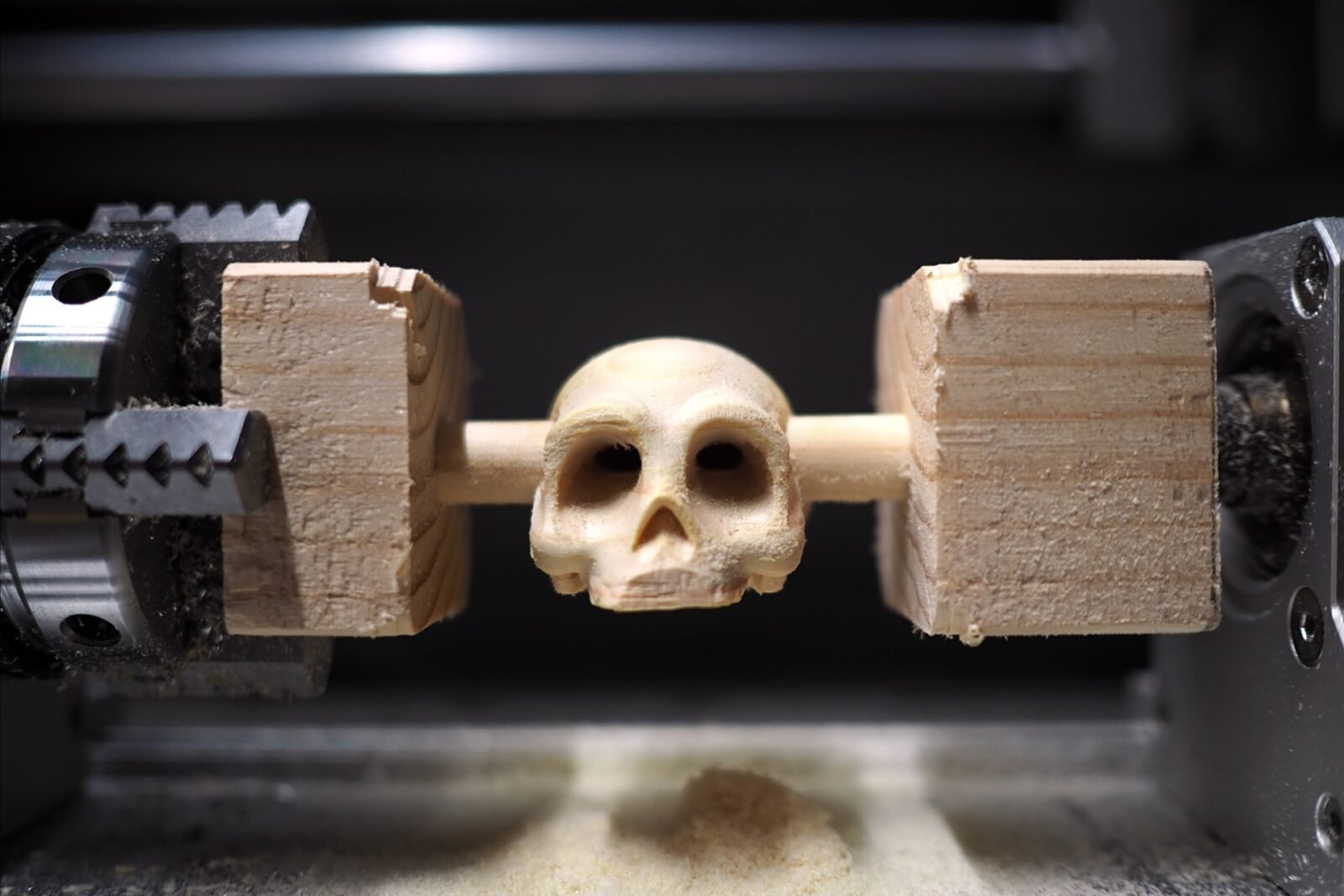
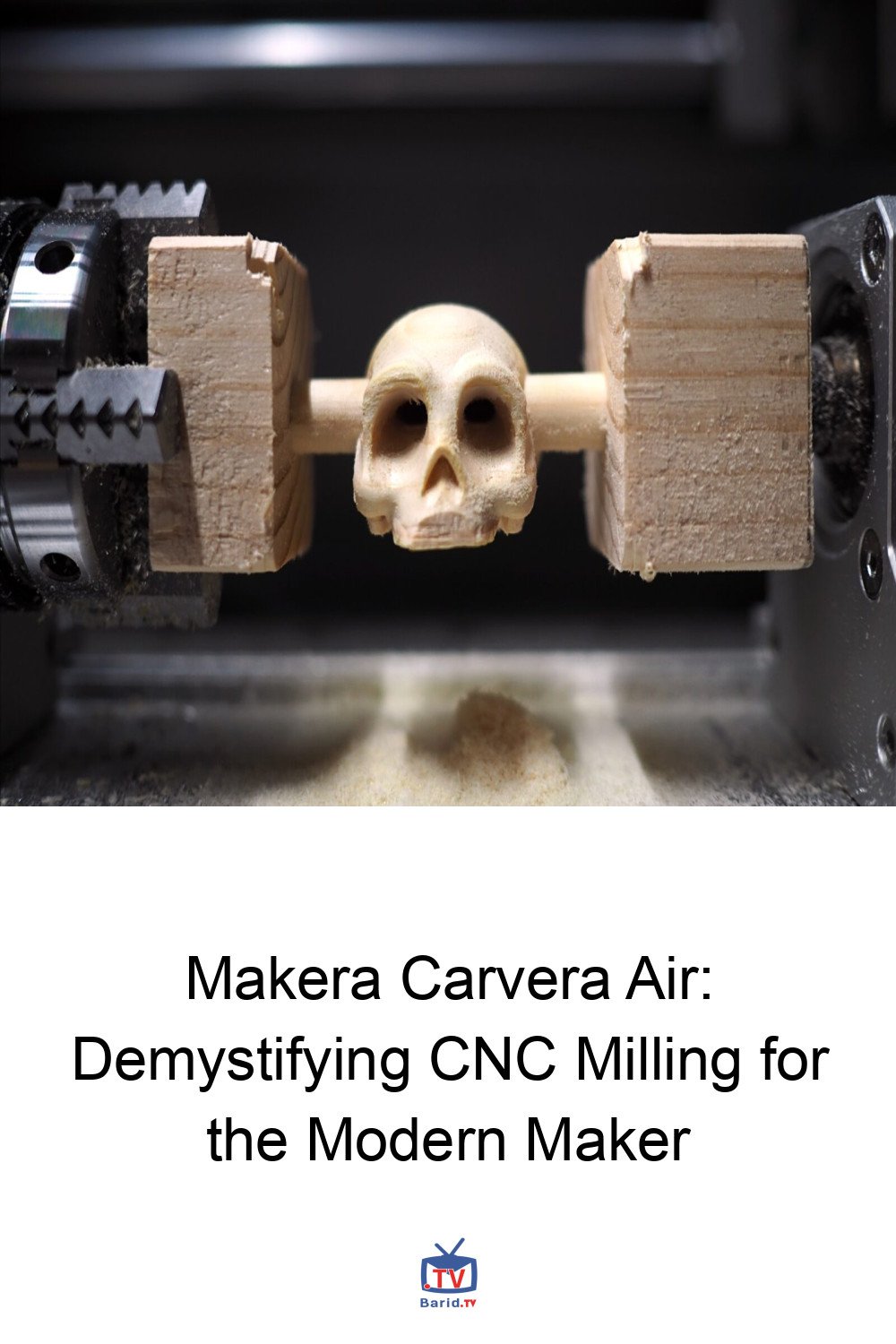
For any enthusiast of subtractive manufacturing, the limitations of a fixed tool path are well understood. This is precisely where the Carvera Air’s optional 4th axis accessory shines, proving to be an indispensable upgrade. By enabling the workpiece to be rotated during machining, it dramatically expands the possibilities for complex geometries and multi-sided operations. What might otherwise require multiple, painstaking setups can often be achieved in a single, more efficient process if the design fits within the 4th-axis jaw. The thoughtful inclusion of a tailstock further enhances its utility, providing crucial support for longer, slender workpieces. A minor drawback, as of early 2026, is the absence of 4th-axis toolpath preview within the CAM app itself, though this can be viewed directly on the machine’s controller.
Metal Milling: Expectations vs. Reality
Makera’s marketing often highlights the Carvera Air’s capabilities with metals, particularly aluminum. While the machine is indeed capable of milling aluminum, it’s crucial to temper expectations. Equipped with a 200W, 13,000RPM spindle, the Carvera Air is designed for precision rather than brute force. This means working with small bits, generating fine chips, and consequently, longer job durations. Unlike the ‘set it and forget it’ nature of some 3D printing tasks, operating a CNC machine, especially with metal, demands constant supervision – a critical safety consideration that cannot be overstated.
Conclusion: A Gateway to Precision
The Makera Carvera Air stands as a compelling entry point for those eager to delve into the world of CNC milling. Its simplified CAM software, while having some room for growth, significantly lowers the barrier to entry. Coupled with the transformative capabilities of its 4th axis, it offers a powerful platform for digital fabrication. While it may not be the fastest beast for heavy-duty metalwork, its precision and user-centric design make it an excellent tool for makers looking to carve out their ideas with greater ease and sophistication. The Carvera Air truly makes the journey into CNC less daunting, opening up a world of creative possibilities for the modern machinist.
For more details, visit our website.
Source: Link