
Chrome’s Latest Update: Unleashing New Productivity Power with Split View, PDF Tools, and Cloud Saving
Google Chrome, often regarded as a cornerstone of our digital lives, continues to evolve beyond its already robust capabilities. In a move set to significantly enhance user workflows, Google has rolled out three impactful new productivity features for its desktop browser:
Split View, native PDF annotations, and seamless Google
Drive integration for downloads
. These additions are designed to benefit both everyday users and enterprise professionals, ensuring no Workspace exclusivity concerns. Let’s dive into how these new tools can revolutionize your daily browsing.
Master Multitasking with Chrome’s New Split View
The modern internet browser has transformed into a veritable digital command center. We juggle multiple tasks within Chrome – from taking notes during virtual meetings to conducting research while drafting articles. For many, a single tab or window simply isn’t enough. Recognizing this, Google has introduced Split View, a game-changer for desktop users.
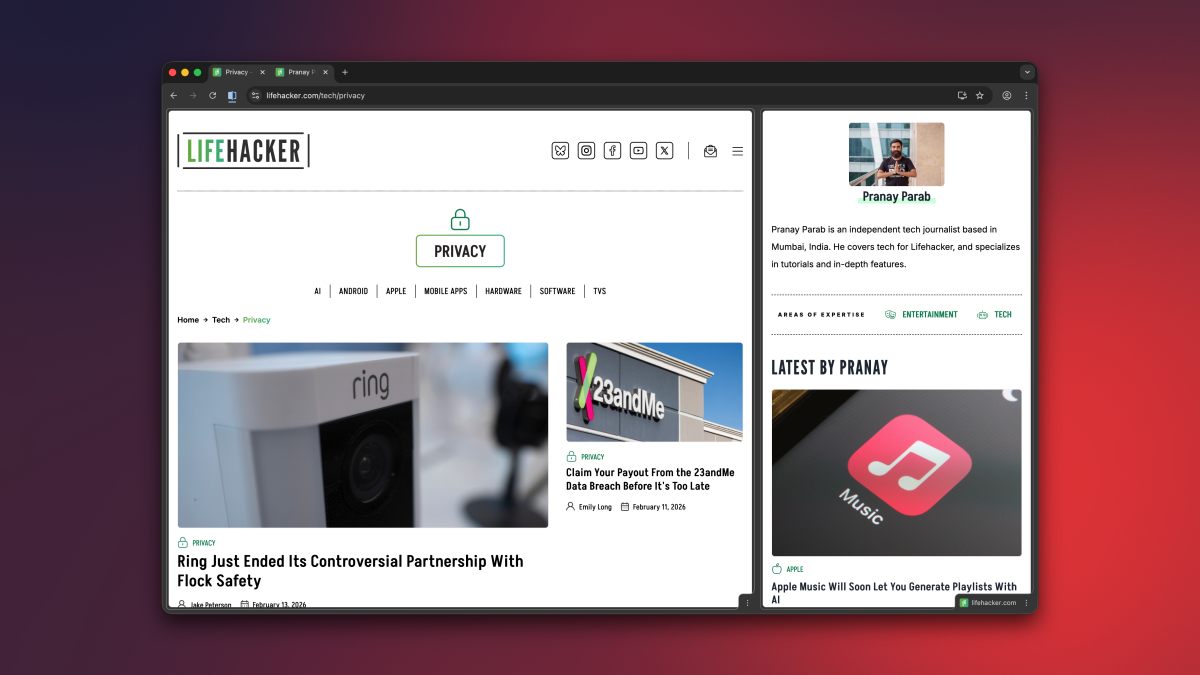
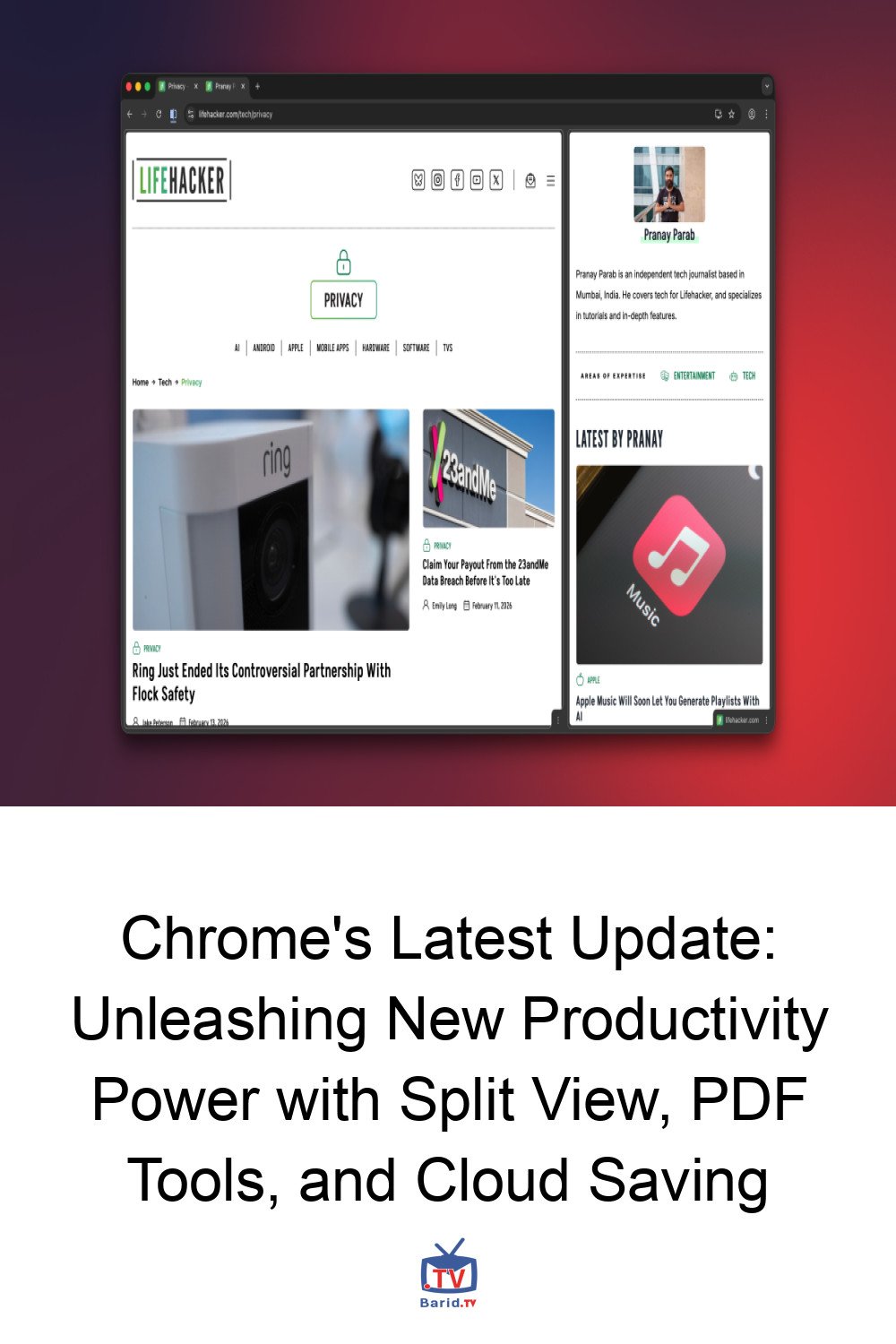
Split View intelligently merges two tabs into a single window, reminiscent of classic split-screen gaming. This eliminates the tedious process of opening separate windows and manually resizing them. Imagine watching an educational video while simultaneously taking notes in Google Docs, or cross-referencing data without ever leaving your primary browser window. The possibilities for enhanced focus and efficiency are immense.
How to Activate and Manage Split View
Activating Split View is straightforward: simply right-click on any tab and select “Add Tab to New Split View.” Currently, Chrome supports a maximum of two tabs side-by-side, but even this initial implementation offers substantial utility. For fine-tuning your view, you can easily drag the divider between the two tabs to allocate more screen space to one over the other. For more granular control, click the dedicated Split View button to the left of the address bar, or right-click the merged tabs in your tab bar, to access the “Arrange Split View” menu. Here, you can quickly reverse tab order, separate the tabs, or close just one.
Annotate PDFs Directly Within Chrome
Let’s face it: for most of us, Chrome serves as our primary PDF viewer. Despite the plethora of dedicated PDF editing applications available, the convenience of opening and viewing documents directly in your browser often wins out. Now, Chrome takes this convenience a step further by integrating basic annotation tools.
The desktop PDF Viewer now empowers you to highlight text, add notes, and even apply digital signatures without needing to switch applications. While advanced PDF editing will still require specialized software, Chrome’s new capabilities are more than sufficient for handling everyday document markups. This streamlines workflows, making quick reviews and feedback loops significantly more efficient.
Save Downloads Directly to Google Drive
Traditionally, downloading a PDF or any file in Chrome meant it landed in your local Downloads folder or another specified location on your hard drive. Google has now introduced a highly practical feature for desktop users: the ability to save files directly to your Google Drive account.
This is particularly beneficial for those looking to maintain a clutter-free local storage or who heavily rely on cloud-based workflows. When you open a PDF file in Chrome, you’ll notice a new Google Drive icon in the toolbar, conveniently placed next to the standard download button. A single click on this icon will automatically upload the file to your cloud storage, neatly organized within a new folder aptly named “Saved from Chrome.” This seamless integration ensures your important documents are accessible from anywhere, on any device.
A Smarter, More Productive Chrome
These three new features underscore Google’s commitment to evolving Chrome from a mere browser into a true productivity powerhouse. By addressing common user pain points in multitasking, document management, and cloud storage, Chrome continues to solidify its position as an indispensable tool for personal and professional use. Update your Chrome today and experience a new level of efficiency!
For more details, visit our website.
Source: Link