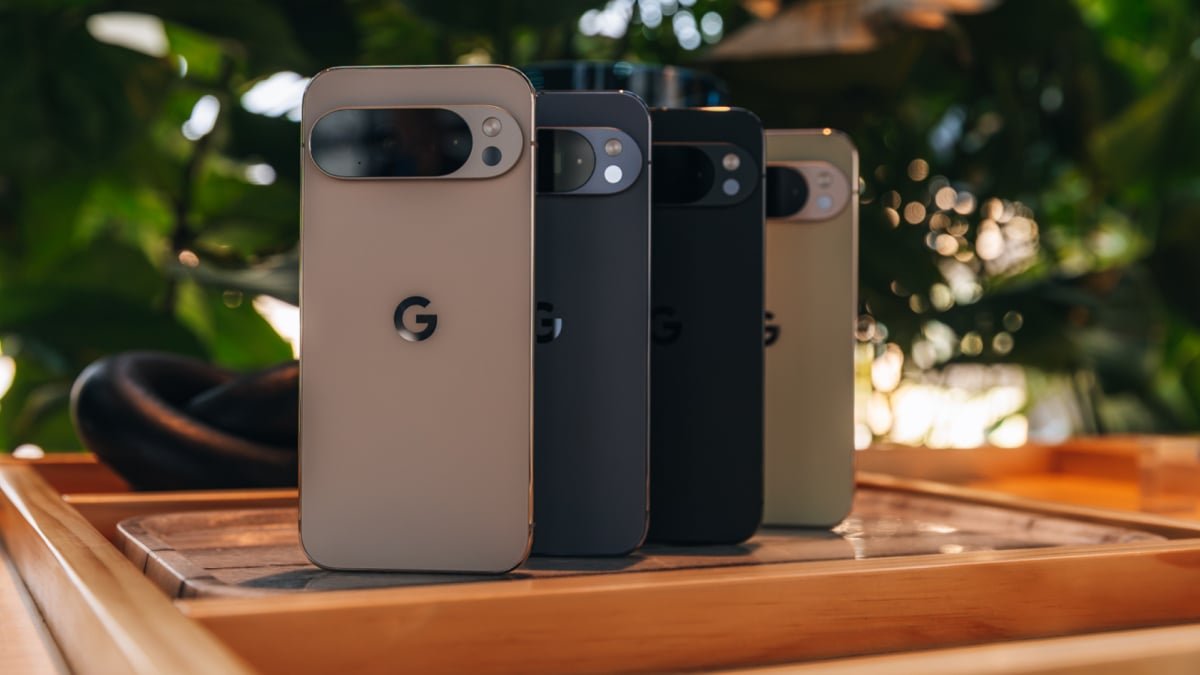

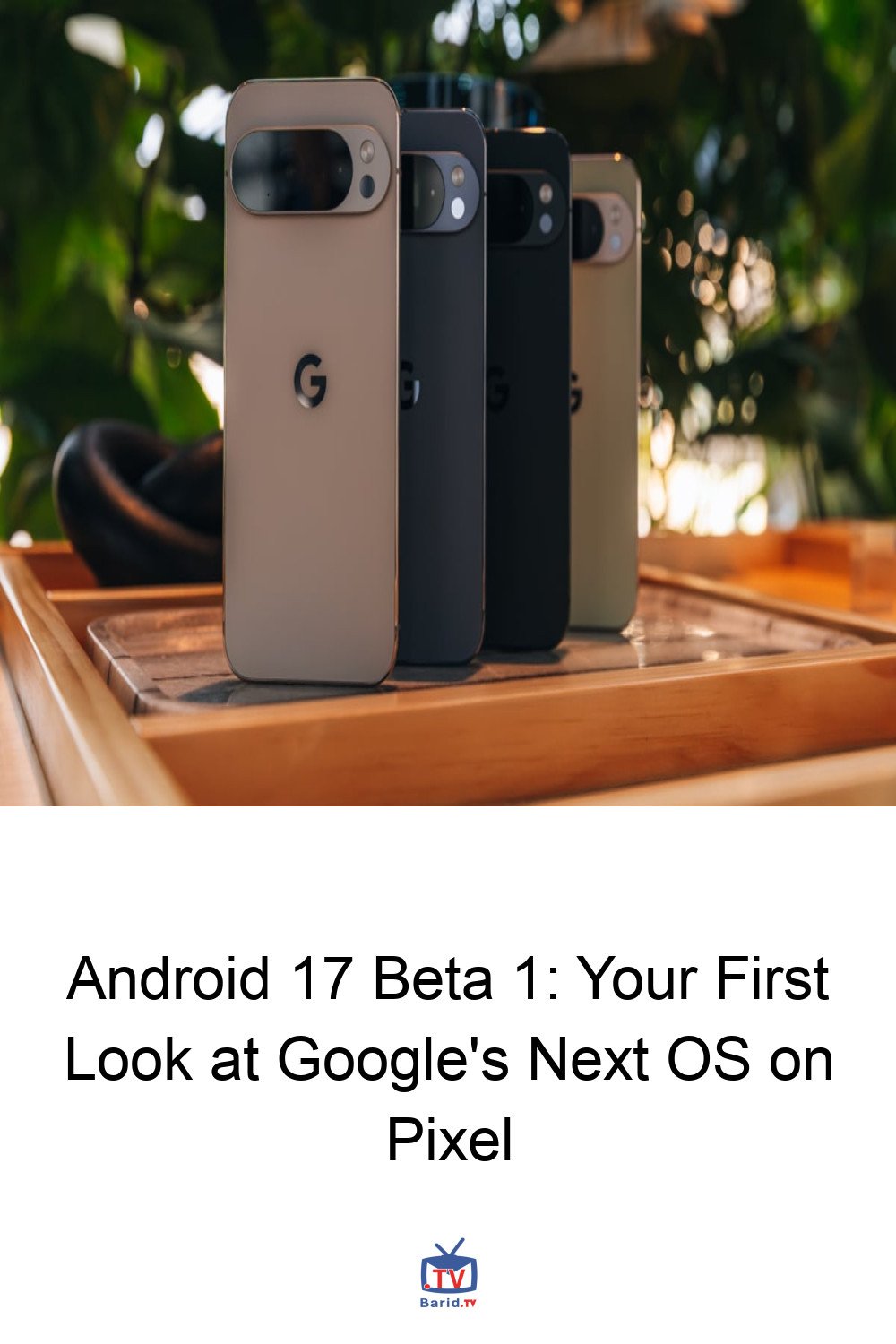
The future of Android is now within reach for eager Pixel users. Google has officially rolled out the first public beta for Android 17, offering a tantalizing glimpse into the next iteration of its ubiquitous mobile operating system. If you’re a proud owner of a compatible Pixel device and possess a spirit of adventure, you can now be among the first to experience Android 17.
How to Access Android 17 Beta 1
Getting your hands on Android 17 Beta 1 is a straightforward process, primarily facilitated through Google’s dedicated Beta Program. Here’s a step-by-step guide to get you started:
- Visit the Google Beta Program Website: Navigate to the official Android Beta Program website.
- Opt In: Sign in with the Google account that is linked to your compatible Pixel smartphone or tablet. Look for and click the “Opt In” button.
- Check for Updates on Your Device: Once you’ve opted in, grab your Pixel device. Go to the Settings menu, then navigate to System > System update (or similar path depending on your Pixel model).
- Download and Install: While it might not appear instantaneously, the Android 17 beta update should become available for download shortly. Follow the on-screen prompts to install it.
Remember, a stable internet connection is recommended for the download, and ensure your device has sufficient battery life or is connected to a charger.
Is Your Pixel Ready? Compatible Devices
Google has made the Android 17 Beta 1 accessible to a wide range of its recent Pixel hardware. Essentially, if you own a Pixel 6 or any subsequent model, you’re likely eligible. This expansive list includes:
- Pixel 6, Pixel 6 Pro, Pixel 6a
- Pixel 7, Pixel 7 Pro, Pixel 7a
- Pixel 8, Pixel 8 Pro, Pixel 8a
- Pixel Fold
- Pixel Tablet
If your device falls into any of these categories, you’re all set to explore the new beta.
Initial Impressions: What’s New in Beta 1?
For this inaugural public beta, temper your expectations for groundbreaking overhauls. Android 17 Beta 1 is primarily focused on foundational stability and subtle user interface refinements. According to reports from Android Central, key changes include:
- Slimmed-Down Home Screen Search Bar: A more minimalist aesthetic for the primary search interface.
- Removable “At a Glance” Widget: Users now have the option to dismiss the “At a Glance” widget from their home screen, offering greater customization.
While these might seem like minor tweaks, they lay the groundwork for more substantial features that Google is expected to introduce in subsequent beta releases. Engaging with the beta now allows you to witness the evolution of Android 17 firsthand.
Proceed with Caution: Beta Software Disclaimer
It’s crucial to remember that Android 17 Beta 1 is unfinished software. As such, you may encounter bugs, performance issues, or app incompatibilities. For this reason, it’s highly recommended to:
- Backup Your Device: Before installing the beta, perform a full backup of your Pixel device to ensure your data is safe.
- Consider a Secondary Device: If possible, install the beta on a secondary device rather than your primary daily driver to avoid potential disruptions.
Embrace the opportunity to contribute to Android’s development, but do so with an understanding of the inherent risks of early-stage software. Happy testing!
For more details, visit our website.
Source: Link