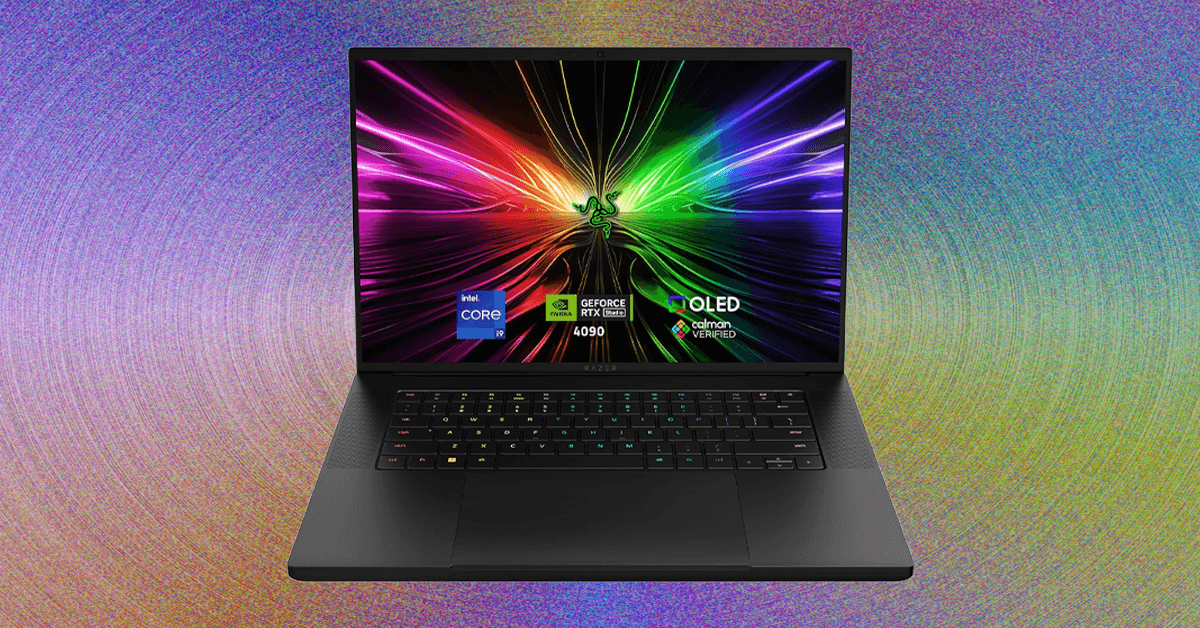

The landscape of gaming laptops has transformed dramatically. Gone are the days when a ‘gaming laptop’ automatically meant a behemoth of a machine, powerful yet undeniably cumbersome. In 2026, the market is a vibrant tapestry of innovation, offering an unprecedented array of choices that cater to every gamer’s whim – from raw, unadulterated performance beasts to svelte, design-conscious marvels, and even versatile gaming tablets or 2-in-1s.
This expansive selection, while exciting, also introduces a new layer of complexity. Simply picking a top-rated model from a general ‘best laptops’ list might not land you the perfect gaming companion for your unique needs. Drawing on over a decade of hands-on experience reviewing these sophisticated machines, this guide will dissect the critical elements of gaming laptops, steering you towards an informed decision. We’ll also shed light on what to expect from the industry‘s leading brands.
(Updated February 2026: This guide incorporates the latest gaming laptop announcements from CES, alongside crucial insights into current pricing trends, the ongoing memory shortage, and advancements in CPU technology.)
Finding Your Fit: What Size Gaming Laptop is Right for You?
One of the most fundamental decisions when embarking on your gaming laptop quest is determining the ideal size. When we discuss “size,” we’re primarily referring to the display, measured diagonally. The market generally presents three dominant categories: 14-inch, 16-inch, and 18-inch.
The 16-inch Sweet Spot: Balancing Power and Portability
The 16-inch gaming laptop has emerged as the quintessential ‘happy medium.’ While still substantial, these machines offer ample internal real estate, crucial for effective thermal management – allowing powerful gaming hardware to breathe and perform optimally. The larger screen real estate is, of course, a significant bonus for immersive gameplay. These models have largely superseded the older 15.6-inch laptops, which typically featured a 16:9 aspect ratio. While some beloved models, like the Lenovo LOQ 15, still utilize 16:9, most contemporary displays now boast a more expansive 16:10 aspect ratio with sleeker bezels. The 16-inch segment is diverse, encompassing both remarkably thin designs, such as the Razer Blade 16 and Asus ROG Zephyrus G16, and more robust powerhouses like the Lenovo Legion 7i Gen 10 or Asus ROG Strix G16.
14-inch: The Rise of Portable Powerhouses
The 14-inch gaming laptop represents a newer, highly specialized niche, prioritizing extreme portability and a compact footprint. These machines are perfect for gamers on the go, students, or those with limited desk space. Key innovators in this category include the Razer Blade 14 and the Asus ROG Zephyrus G14, though other compelling options like the Acer Nitro 14, Asus TUF A14, and HP Omen Transcend 14 are also making waves.
18-inch: Desktop Replacements for Uncompromised Immersion
At the opposite end of the spectrum lie the 18-inch gaming laptops. These are unapologetically large, often too bulky for standard bags, too heavy for comfortable travel, and typically quite thick. Their purpose is clear: to serve as a primary gaming station, predominantly tethered to a desk. Why opt for such a behemoth? If your gaming primarily occurs at home, the extra heft becomes a non-issue, and the expansive 18-inch display offers unparalleled immersion, especially if you’re not always connected to an external monitor. Notable contenders include the Asus ROG Strix Scar 18 and the formidable MSI Titan 18 HX AI.
Unleashing the Beast: Navigating Gaming Laptop Performance
When it comes to raw gaming power, the graphics card (GPU) is king. A dedicated GPU is non-negotiable for serious 3D gaming, and in 2026, this largely means choosing from Nvidia’s cutting-edge RTX lineup. The latest generation, the RTX 50-series, rolled out through 2025, featuring powerful options like the RTX 5090, 5080, 5070, 5070 Ti, 5060, and 5050.
Understanding the RTX 50-Series: More Than Just a Number
Nvidia champions its multi-frame generation technology as a compelling reason to upgrade to these new GPUs. While its real-world impact can vary in testing, the feature is undeniably present across the series for those who wish to experiment. As expected, performance and price generally ascend with each tier. While a full spec breakdown is beyond this guide, crucial distinctions exist within the lineup.
- The RTX 5090 (24 GB), 5080 (16 GB), and 5070 Ti (12 GB) all received significant VRAM boosts compared to their RTX 40-series predecessors.
- Conversely, the RTX 5070, 5060, and 5050 remain capped at 8 GB of VRAM. This distinction is vital, as the VRAM jump from the RTX 5070 to the 5070 Ti can yield a more substantial performance improvement in certain games than the step from the 5060 to the 5070.
It’s also imperative to remember that laptop GPUs are distinct from their desktop counterparts; their specifications and performance metrics do not directly correlate.
The Hidden Power Metric: Total Graphics Power (TGP)
Beyond the GPU model itself, a frequently overlooked yet critical specification is the amount of power delivered to the GPU, often referred to as Total Graphics Power (TGP) or Maximum Graphics Power. This wattage directly impacts the GPU’s potential performance. For instance, an RTX 5060 can operate at up to 115 watts for peak performance, a configuration you’d find in high-end machines like the Lenovo Legion 7i Gen 10 or Lenovo LOQ 15. However, some more budget-conscious gaming laptops, such as the Gigabyte Aero X16, might limit that same RTX 5060 to a maximum of 85 watts. This significant power reduction severely curtails the expected performance. Unfortunately, this crucial TGP specification is not always prominently displayed on retailer product pages, making diligent research essential for discerning buyers.
For more details, visit our website.
Source: Link