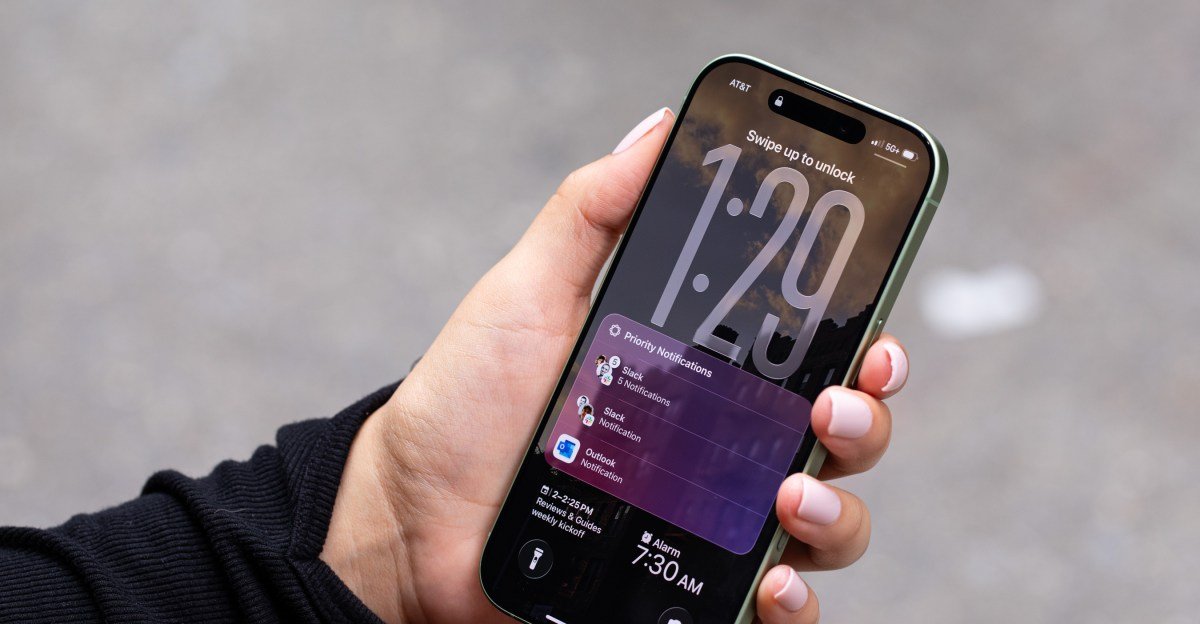

Apple has rolled out iOS 26.3, a significant update that introduces groundbreaking features aimed at improving device interoperability. Most notably, iPhone users now have a dramatically simplified path to migrate to Android, alongside enhanced support for third-party wearables, particularly within the European Union. This update signals a strategic shift, potentially influenced by evolving regulatory landscapes.
Bridging the Divide: The New ‘Transfer to Android’ Feature
For years, switching from an iPhone to an Android device was often a cumbersome process, fraught with manual data transfers or reliance on multiple applications. With iOS 26.3, Apple is streamlining this transition with its new “Transfer to Android” feature. This innovative tool allows users to effortlessly move essential data—including applications, cherished photos, critical messages, and even their phone number—simply by placing their iPhone and the new Android device side-by-side. This marks a substantial improvement over previous methods, which typically required downloading separate data transfer apps from both Apple and Google or undertaking a tedious manual copy process.
Enhanced Interoperability for EU Users: Third-Party Wearables Get Smarter
Beyond simplifying the jump to Android, iOS 26.3 delivers a crucial enhancement for iPhone users in the European Union: “notification forwarding” for third-party wearables. This update significantly elevates the user experience for those opting for non-Apple smartwatches. Users can now view the full content of notifications directly on their third-party devices and gain granular control over which apps push alerts to their wrist. This brings the functionality of third-party smartwatches much closer to the seamless integration previously exclusive to the Apple Watch, offering a more unified and user-friendly experience.
Compliance and Consumer Choice: The Digital Markets Act’s Influence
The introduction of improved interoperability features, particularly for non-Apple wearables and data transfer, is not merely a gesture of goodwill. It represents a direct response to regulatory pressures, specifically the European Union’s Digital Markets Act (DMA). The DMA mandates that tech giants like Apple open up their ecosystems to foster greater competition and consumer choice. By facilitating easier data migration and enhancing third-party device compatibility, Apple is actively working to comply with these stringent requirements, demonstrating a commitment to a more open digital environment.
How to Update Your Device
To take advantage of these new features, ensure your iPhone is running iOS 26.3. You can install the update by navigating to the “Settings” app, selecting “General,” and then tapping “Software Update.” If iOS 26.3 is compatible with your device, the option to download and install it will appear. Always ensure your device is compatible with iOS 26 before attempting the update.
For more details, visit our website.
Source: Link