
Programming the Oxocard Connect with Arduino
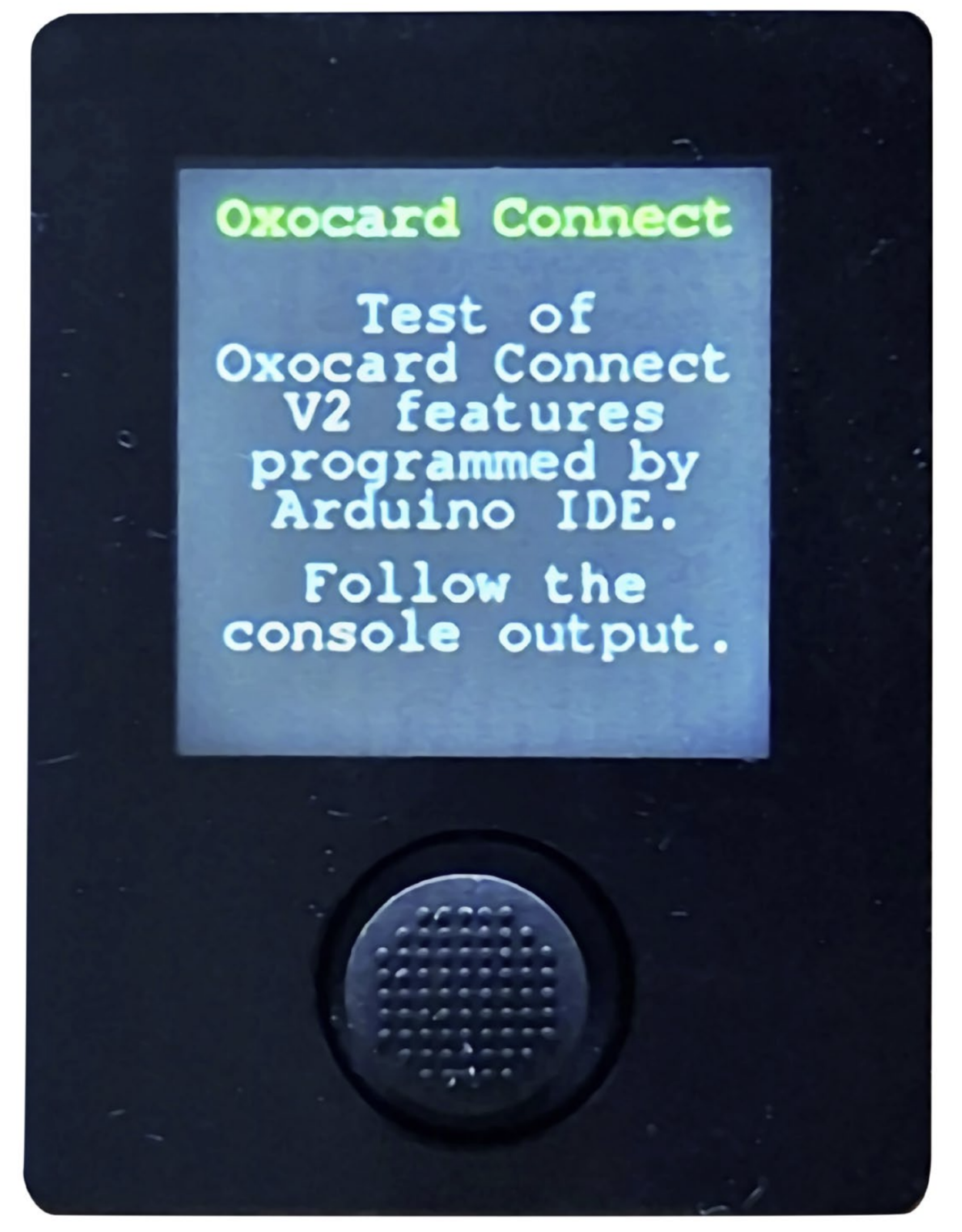
The Oxocard Connect is a modular microcomputer in credit card format, designed for embedded development. However, thanks to the ESP32 microcontroller, programming with C++ via the Arduino IDE is also a viable option. This offers advantages for both beginners and experienced programmers.
The Oxocard system was created to provide a playful introduction to basic embedded development. By default, programming is done via the NanoPy IDE using the NanoPy scripting language, which uses simplified syntax and different libraries than standard Python. However, the Oxocard Connect comes with a display and a joystick, but without any sensors.
Oxocard Cartridges
The available Oxocard cartridges connect to the Oxocard Connect via an edge connector. Each cartridge comes with a 512-kbit I²C bus EEPROM that can store programs and data. A USB-C cable is used to upload programs, and more practical are the gooseneck USB cables offered by the Oxon manufacturer.
Arduino IDE
For programming via the Arduino IDE in C/C++, a variety of existing Arduino libraries can be used, covering almost every application area. It is possible to use both the newer version 2.3.x and the older, but still widely used, version 1.8. The board support package (BSP) for ESP32 from Espressif must be installed via the Arduino IDE’s board manager.
Adafruit Libraries
To use the Oxocard’s display, the “Adafruit GFX Library” (version 1.12.3) must be installed via the Library Manager. In addition, the “Adafruit ST7735 and ST7789 Library” (version 1.11.0) is also required. These libraries offer a simple way to access all areas of the Oxocard Connect.
Bodmer Library
One way to improve graphical performance is with the TFT_eSPI_ES32Lab library by Bodmer (version 2.5.43 at time of writing), which can be installed via the Library Manager. The standard user definitions in the “User_Setup_Select.h” file must be modified, and the entry #include must be commented out.
Source: Link